











The StoicSoft app · Free

Every StoicSoft app, in one window.

Install and update all twelve apps with verified downloads, keep your licence keys in one place, and vote on what gets built next, or let your AI tool file the bug for you.

  • Version 1.3.0
  • October 25, 2026
  • macOS · Windows

Download

Windows

Windows 10 or 11

Download · Installer5 MB

64-bit · updates itself

Not code-signed yet, so SmartScreen may warn the first time: choose More info, then Run anyway.

The Mac builds are signed and notarized by Apple. See what’s in 1.3.0, or every build on GitHub Releases.
A look inside

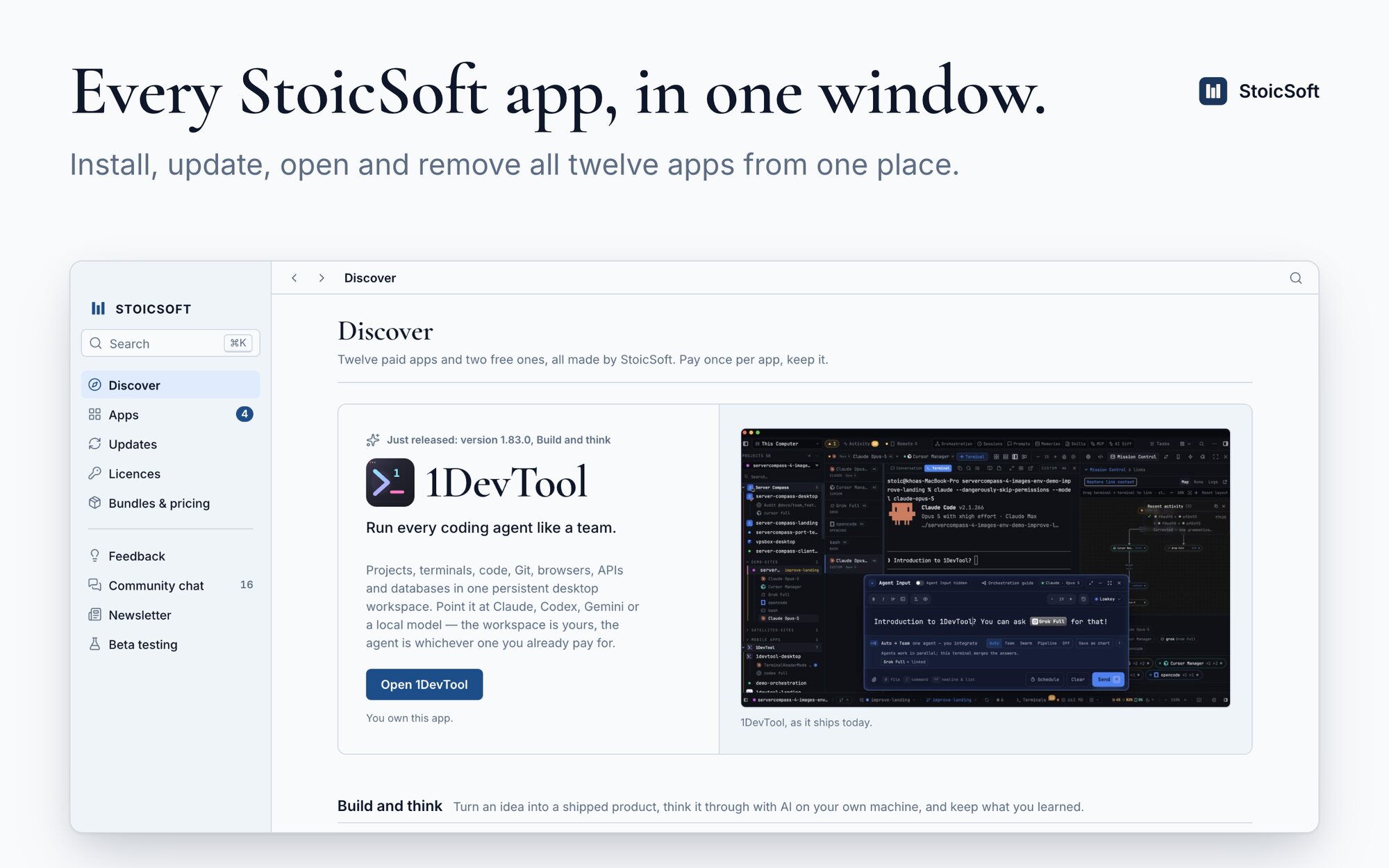
Discover: every StoicSoft app grouped by what it helps you do, with the newest release up top
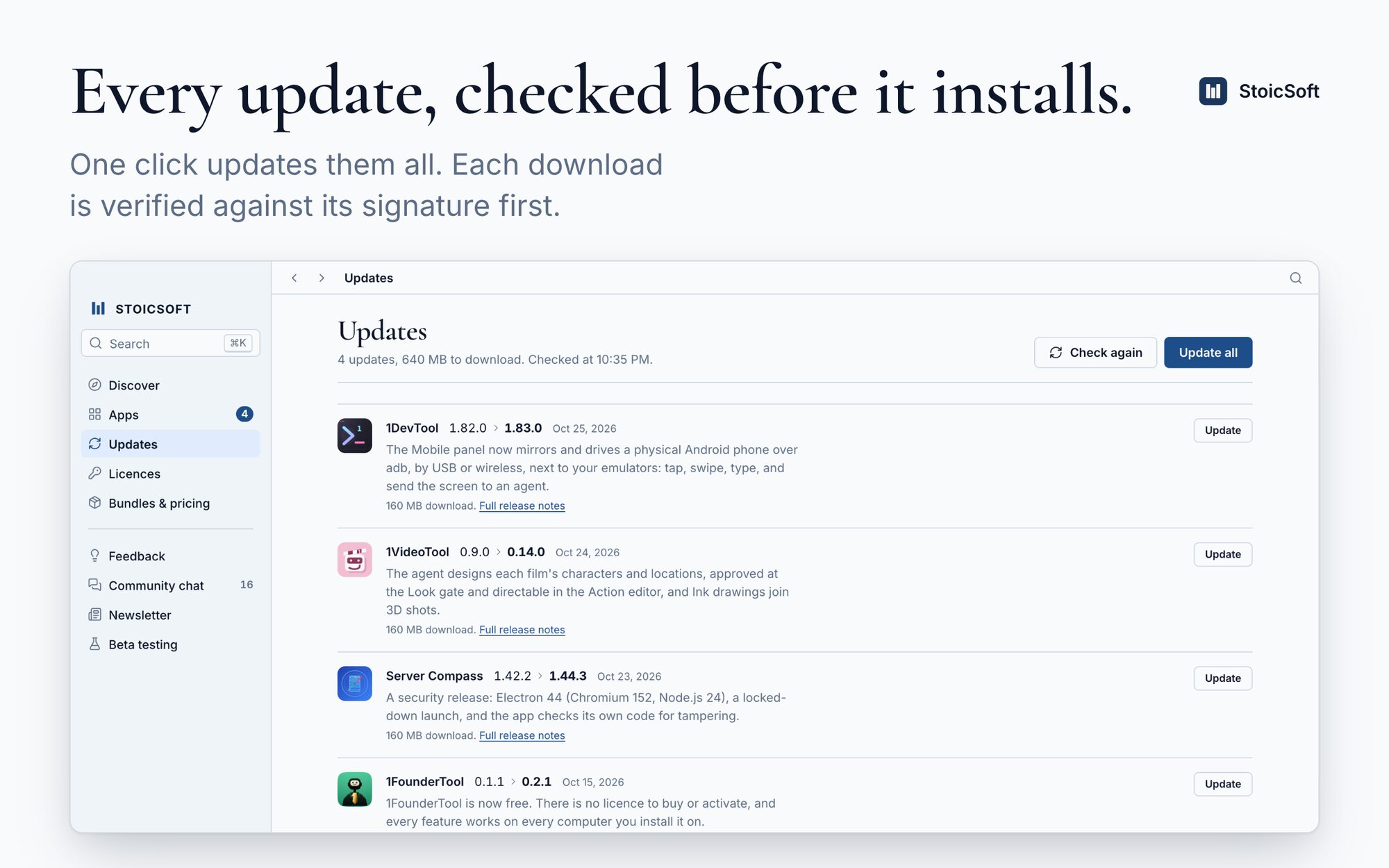
Updates: four apps with new versions, each with its release summary and an Update all button
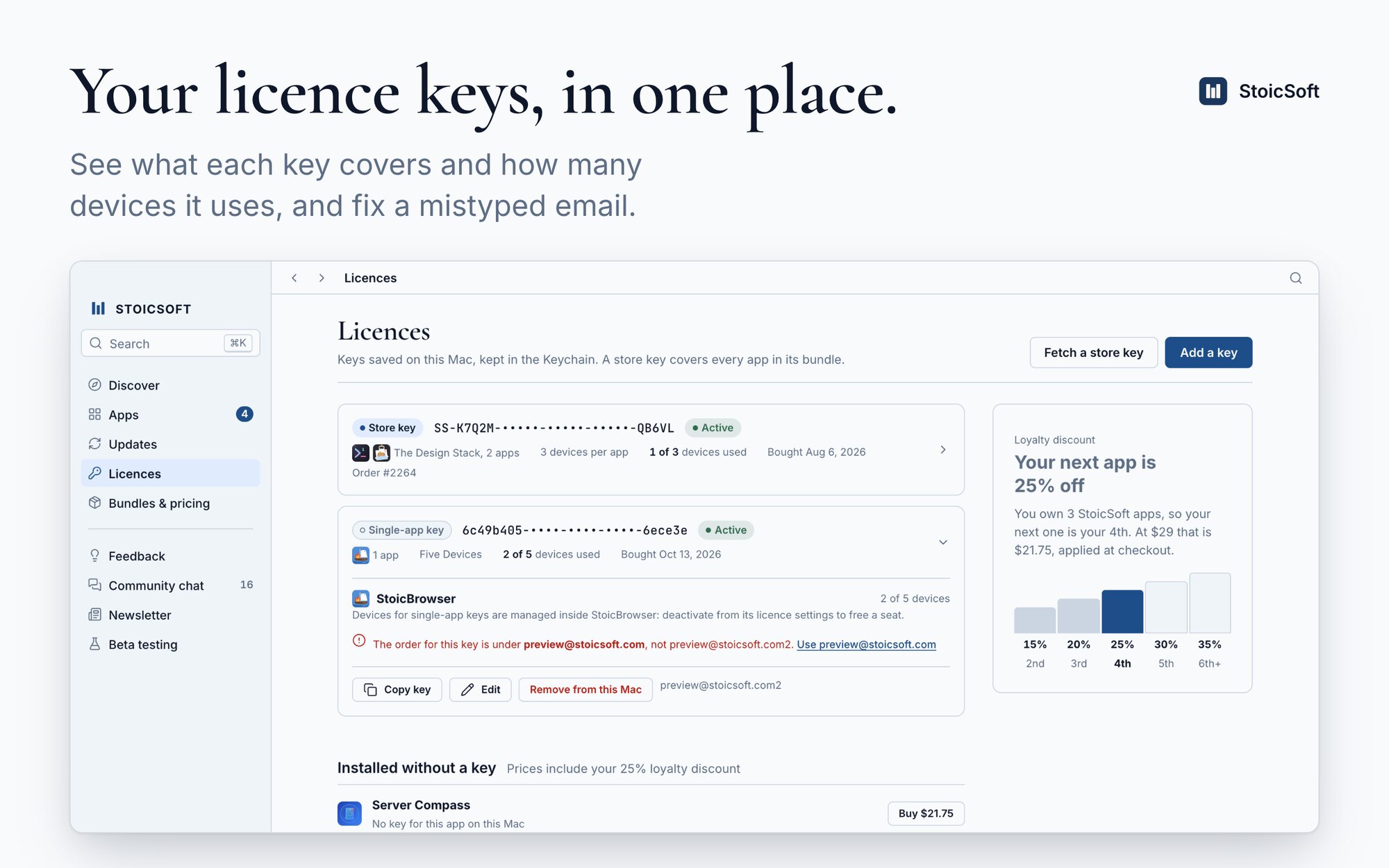
Licences: a store key and a single-app key with their apps, devices in use and a fix for a mistyped email
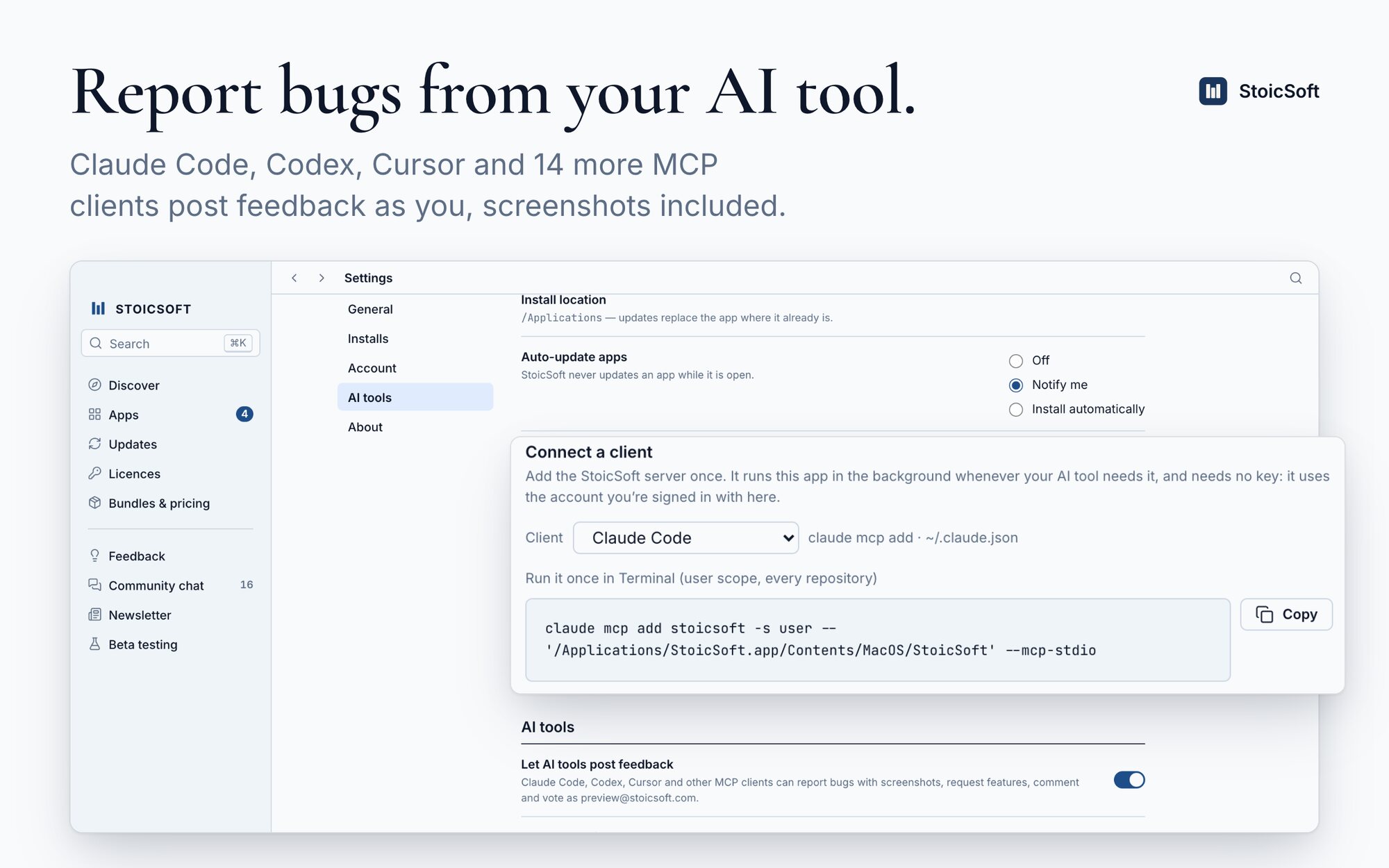
Settings, AI tools: the switch that lets AI tools post feedback and the one-line setup for Claude Code
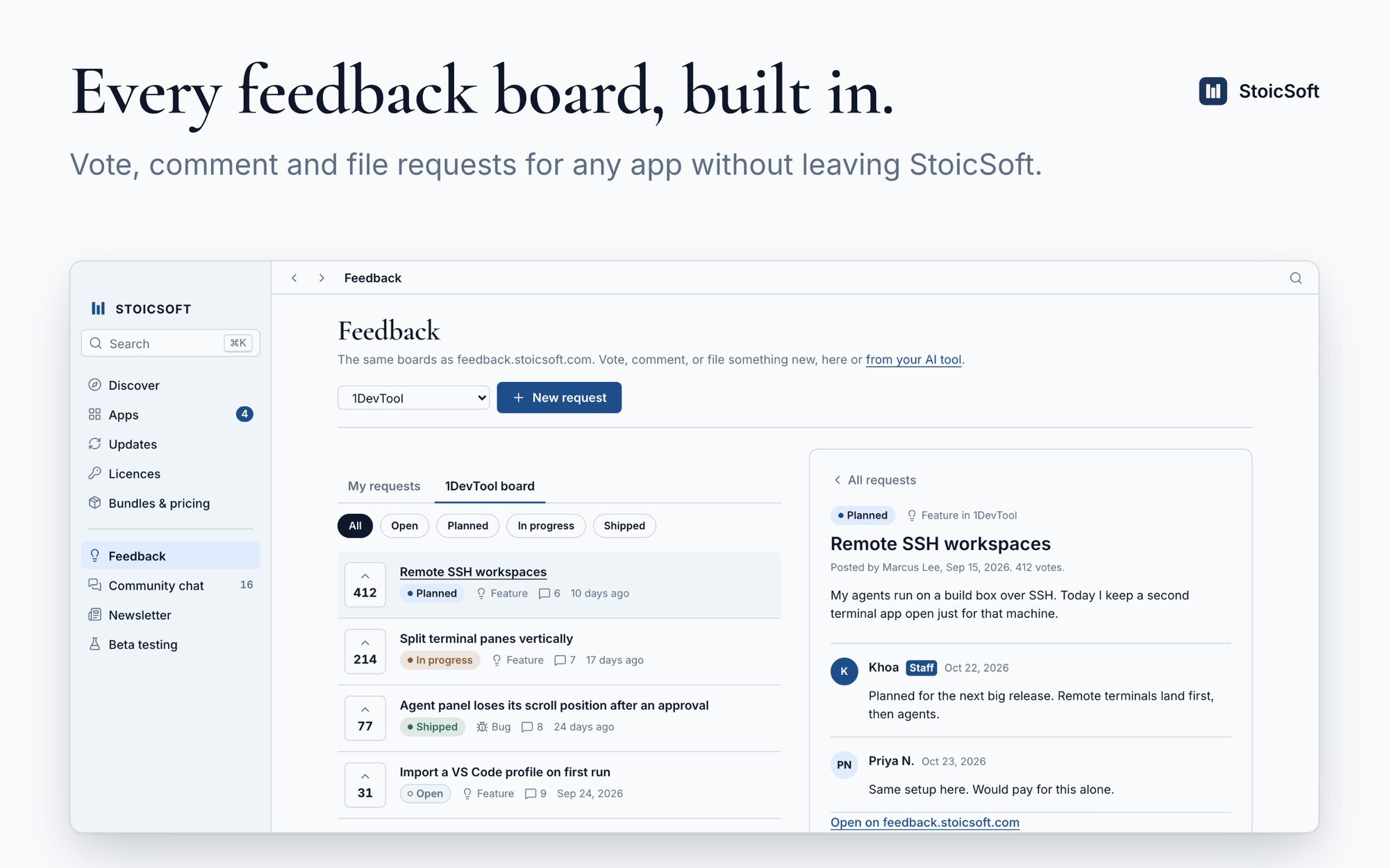
Feedback: the 1DevTool board with votes and statuses, and one request open with its comments
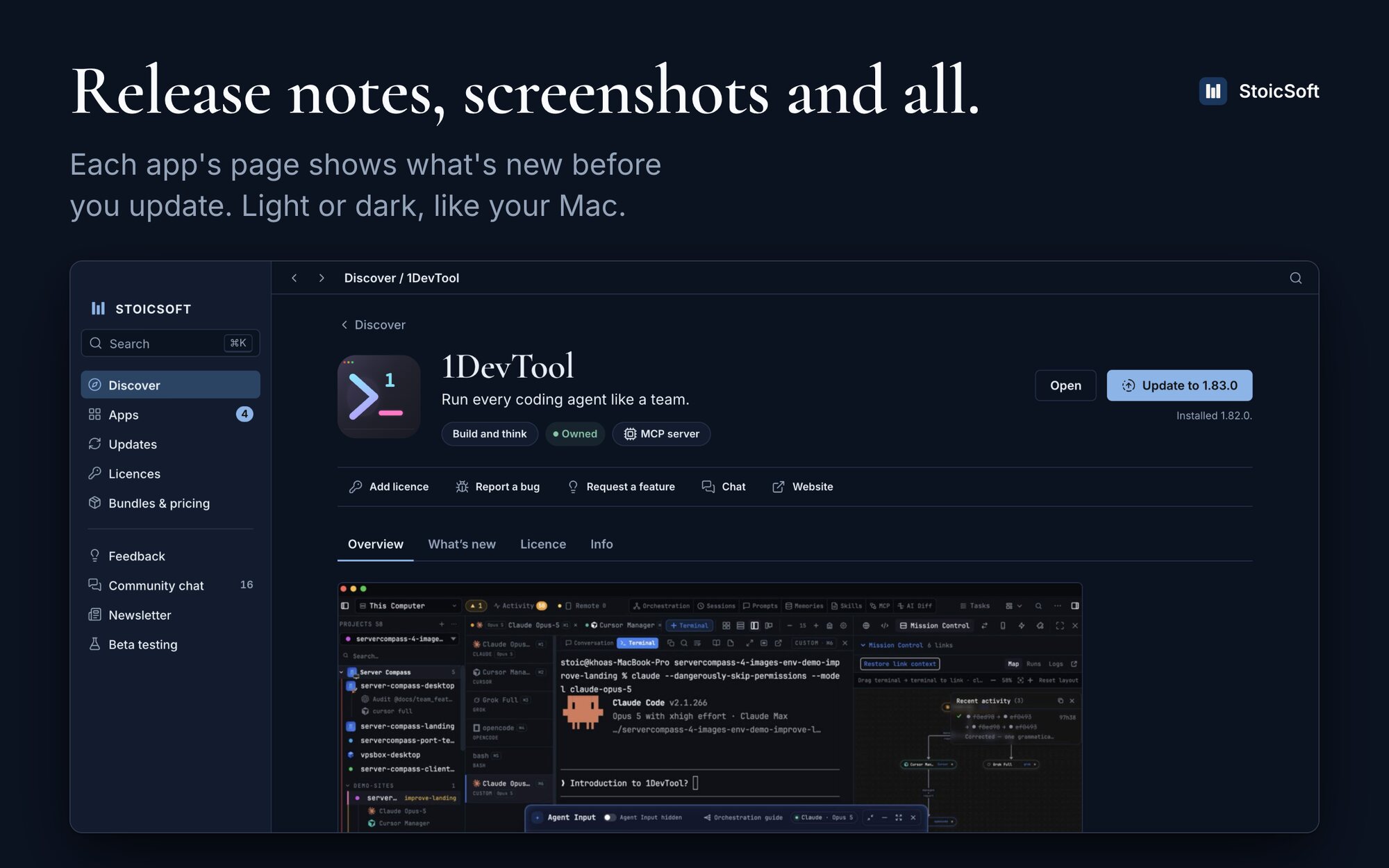
1DevTool’s page in dark mode: install state, licence, release notes and a screenshot of the app

What it does

Install, update, open, remove
Every app from one list. Downloads are checked against each release’s signature or checksum before they replace anything, and an app that is running is never replaced without asking.
Your licence keys
Single-app keys and bundle keys side by side, with the apps they cover, the devices they use, and the loyalty price on the apps you don’t own yet.
Feedback, from the app or your AI tool
The feedback.stoicsoft.com boards, built in. Claude Code, Codex, Cursor, Gemini CLI and 13 more MCP clients can report bugs with screenshots and request features as you.
Release notes before you update
What changed in each version, screenshots included, on every app’s page.
Chat, the newsletter and betas
Community chat and the newsletter with one email-code sign-in, and the beta programmes that are open, such as 1DevTool on your phone.
Updates itself
StoicSoft checks for its own new versions twice a day and installs them when you say so.

Questions

Does the StoicSoft app cost anything?

No. The app is free. The apps it installs are sold separately, $29 once each or in bundles, and it works with the licence keys you already have.

Do I need an account?

No. Installing and updating apps and checking licence keys work without signing in. Sign in with an emailed code only for feedback, chat and AI-tool posts.

Where do my licence keys and sign-in live?

On your computer, in its own secure store (the Keychain on a Mac). The app talks only to StoicSoft’s own services: the store for licence checks, the feedback and chat sites, and the public release feeds.

How does my AI tool post feedback?

StoicSoft includes an MCP server. Add it to Claude Code, Codex, Cursor or another MCP client with the snippet in Settings, AI tools, then ask it to report a bug or request a feature. It posts as the account you are signed in with, and you can turn it off at any time.