Why Short Diagnostic Commands Beat Long AI Explanations
Five-second commands beat 200-word advisory blocks for the first turn of any debugging conversation. The principle and what it means for AI assistants.
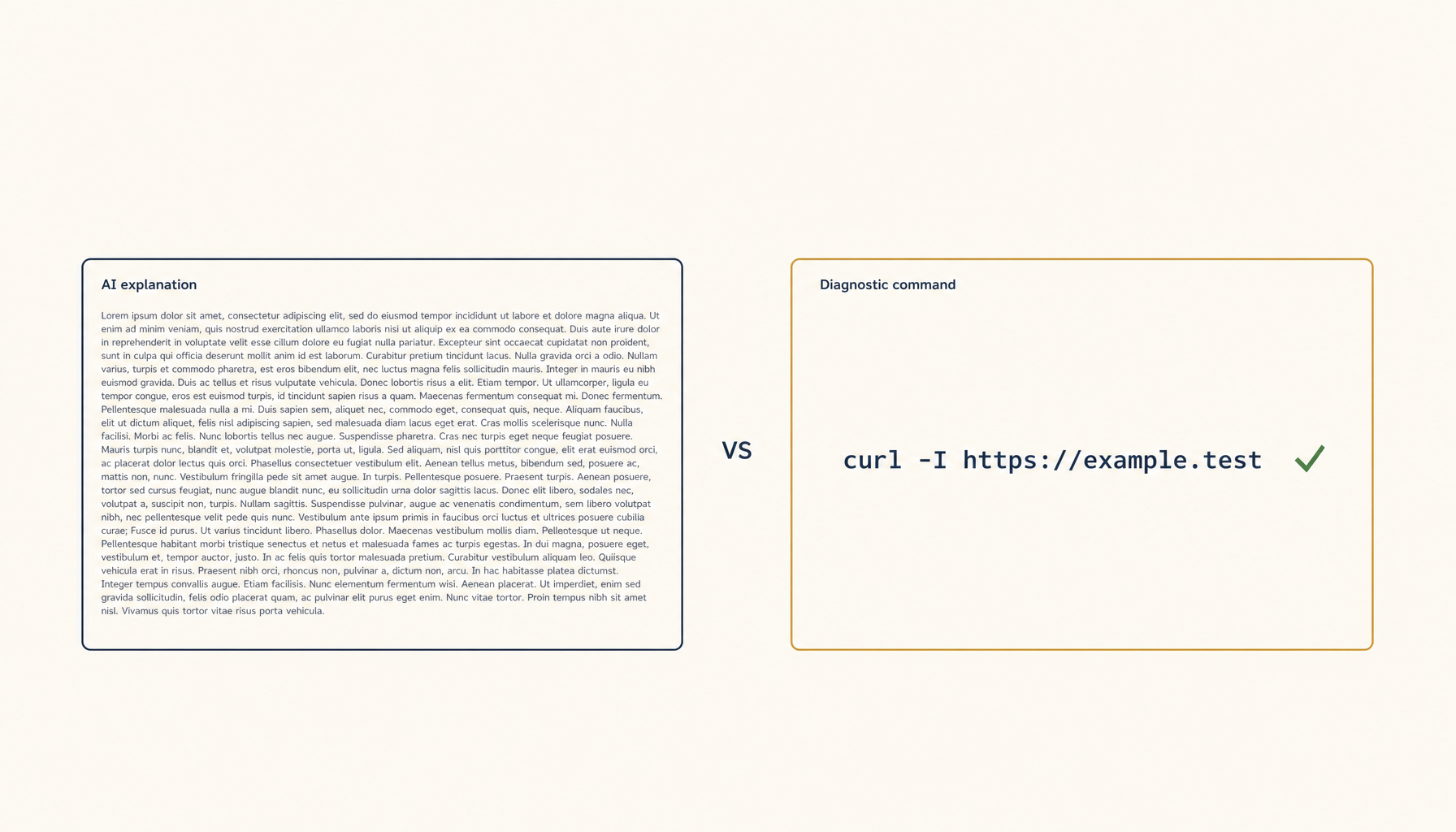
Watch any developer respond to a tooling problem in a Discord server. Two replies arrive almost simultaneously:
Reply A (200 words): "There are several possible causes for this issue. First, check your environment variables. Then verify your network configuration. Also consider whether your DNS resolution is working properly. You may want to look at your firewall rules and confirm that…"
Reply B (one line):
nslookup yourapp.com 8.8.8.8
The user reads Reply A, doesn't run anything, and waits. They run Reply B in 5 seconds and either get an answer or paste the output.
This pattern repeats across every developer support channel. Concise diagnostic commands beat long explanatory advice. AI coding assistants would do well to learn the same lesson.
Why short diagnostic commands win
A 30-second check produces a result. A long advisory block produces nothing until the user reads it, decides which item to try first, and does the work to set it up.
The cognitive cost is asymmetric:
- Long advice: requires reading, prioritising, planning, executing.
- One command: requires copying and pasting.
For the first response in a debugging conversation, copy-paste-able commands are almost always more useful than narrative explanations. The narrative belongs in the follow-up, after the diagnostic command's output has narrowed the problem.
The script vs. explanation flowchart
When responding to a debugging question, ask:
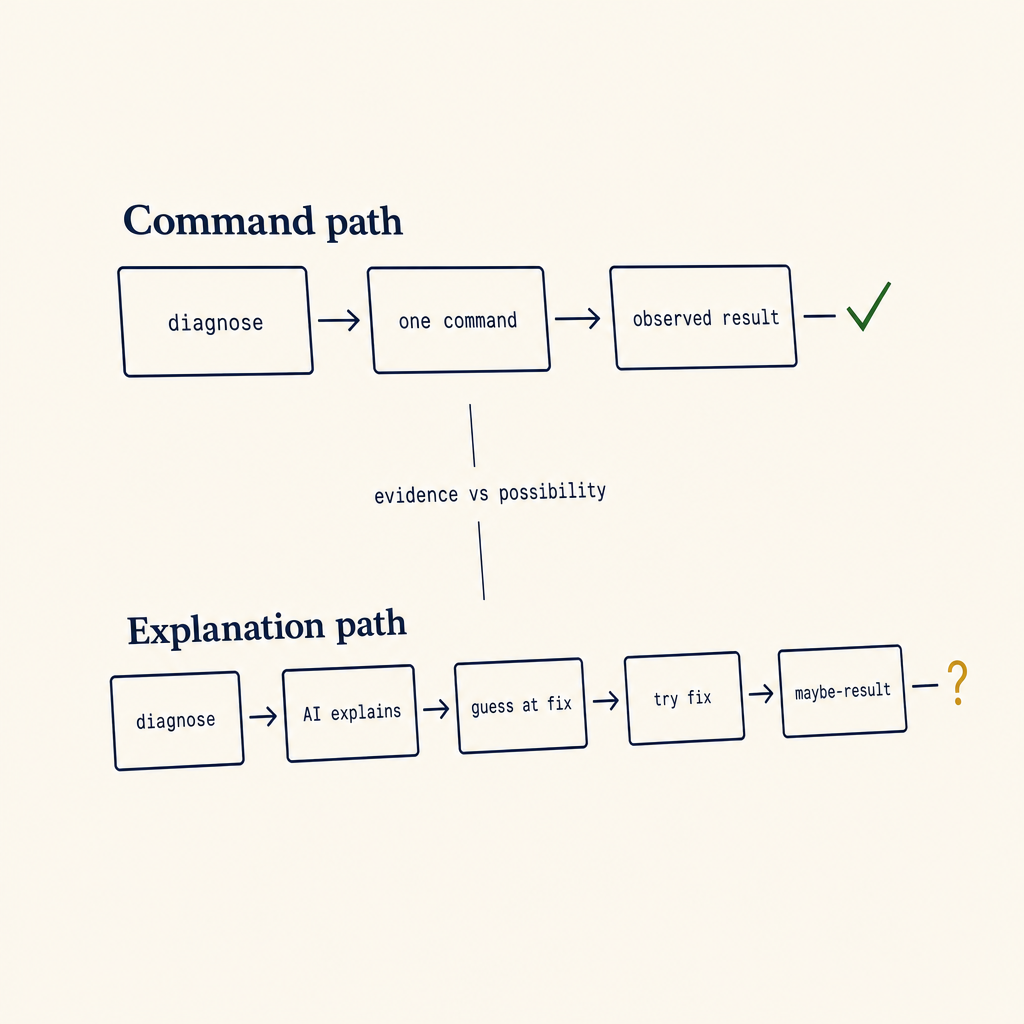
One path produces evidence. The other produces possibilities. Evidence is faster to act on, even when the possibilities are correct.
- Is there a single command that would distinguish between the top 2 hypotheses? → Send that command. Wait for output.
- Is the issue almost certainly one specific cause and the fix is one line? → Send the fix. Skip the diagnosis.
- Is the issue ambiguous and there are 5+ possible causes? → Send the first diagnostic that eliminates the most hypotheses, not the full taxonomy.
The bug in long-form AI explanations is that they always pick option 3 and dump the entire decision tree, not the first useful branch.
Examples — long vs. short
Bad
"Your API requests are failing with a 500 error. This could be due to many things. The server might be overloaded, your authentication token might be invalid, the endpoint might have changed, you might have hit a rate limit, or there could be a network issue between you and the server. Let me explain each…"
Good
Run
curl -i https://api.example.com/health -H "Authorization: Bearer $TOKEN"and share the response.
The curl command in 5 seconds tells you whether it's network, auth, or server-side. The 200 words of explanation tell you nothing.
Bad
"If your Postgres connection is slow, there are several things to investigate. First, check whether you're running on the same network. Then look at your connection pooling. Examine your indexes. Review your query plans. Consider whether your statistics are up to date…"
Good
Run
EXPLAIN ANALYZEon the slow query and paste the output. Then run\d+ tablenamefor the relevant tables.
Two commands. Five seconds each. The output narrows everything.
When a longer reply is the right call
Short commands fail when:
- The user has already shared diagnostic output and now needs interpretation.
- The fix has prerequisites (config changes, restarts) that need to be ordered correctly.
- The user asked a "should I" question — design choices, tradeoffs, architectural decisions. Those genuinely need explanation.
Even then, the structure should be:
- Direct answer (one line)
- Why (one paragraph)
- The command/code (one block)
Not: paragraphs of context, then maybe a command at the bottom.
What this means for AI coding assistants
If you're building or configuring an AI coding assistant, the highest-leverage prompt-engineering rule is:
When the user reports a problem, your first turn should produce a single command they can run in under 30 seconds — unless you can fix it directly with a one-liner. Never explain in the first turn. Diagnose first.
Code that helps the user produce a --verbose log, a dig output, a strace, an EXPLAIN ANALYZE, or a curl -v — without writing a paragraph of preamble — is dramatically more useful than the equivalent paragraph of explanation.
You can put the explanation in the second turn, after the user pastes back the output. By then, half the time, the output makes the problem obvious and the explanation isn't needed at all.
A concrete refactor pattern
Most assistants default to:
"Here's the problem and why it happens. To fix it, you'll need to do steps 1, 2, 3, 4."
Refactor to:
"Run this first:
<one command>."(wait for output)
"OK, the output shows X. The fix is
<one command or change>. Here's why it works: …"
The conversational cost is one extra turn. The user-time cost is dramatically less. The chance of the fix being wrong is lower because you have actual diagnostic data instead of guessing.
Concise diagnosis isn't laziness. It's respect for the user's time and a recognition that the first turn is overwhelmingly the most expensive turn — because the user is blocked, anxious, and has the least information.
From across the StoicSoft network
Hand-curated reads on the same topic from sister sites in the StoicSoft family.
