Run the Tool Where the File Lives: No-Upload, Composable File Actions
Single-purpose web tools wrap simple file tasks in accounts, uploads, and watermarks. The case for composable, local-first file utilities that run where the file already lives.
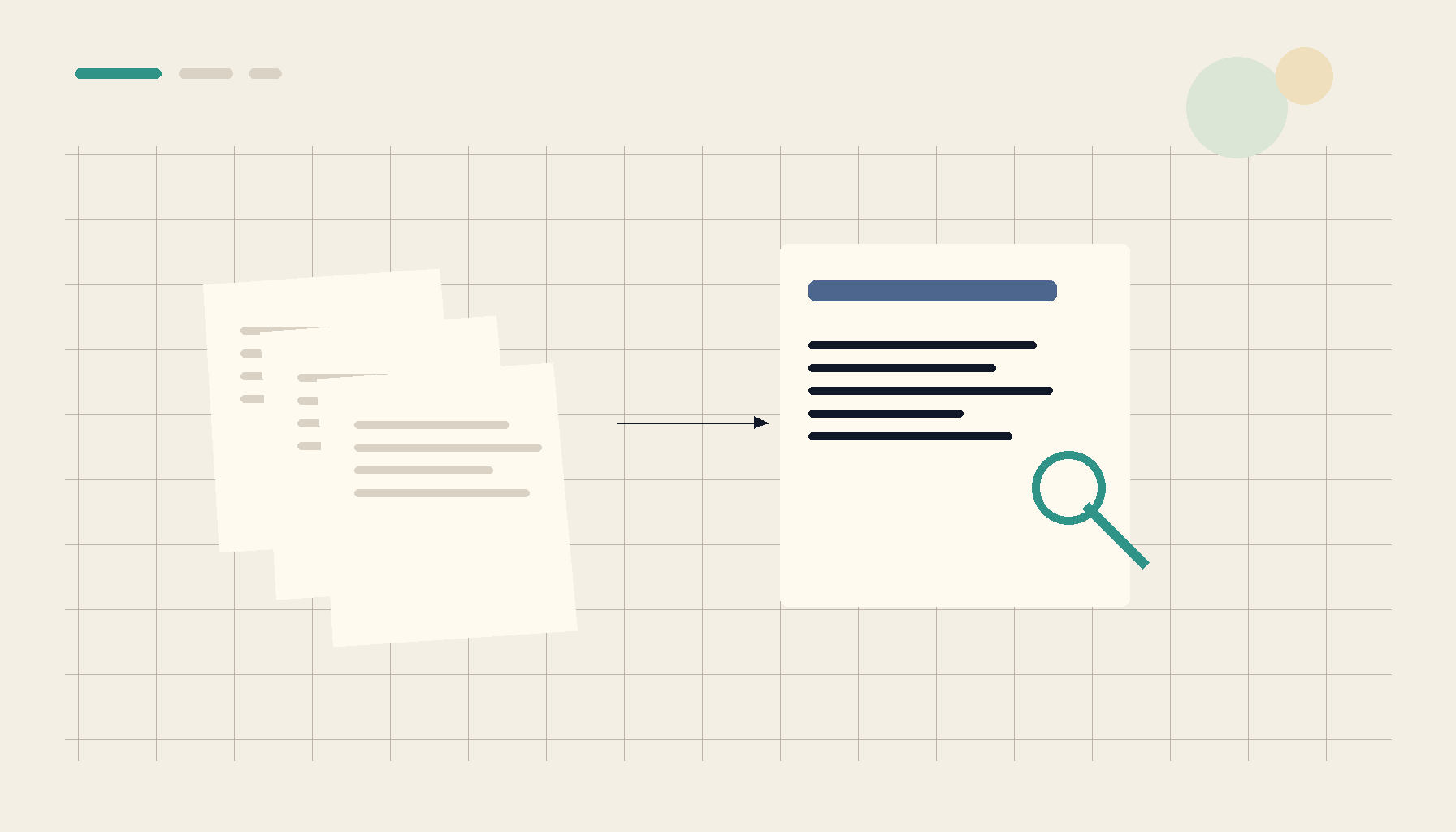
There is a particular kind of friction that shows up the moment you need to do something simple with a file. You want to strip the background from one product photo, shrink a folder of screenshots before emailing them, or pull a table out of a PDF. The actual work takes ten seconds. Finding a tool that will do it without an account, an upload, a subscription prompt, or a watermark stamped across the result can take longer than the task itself.
That friction is not an accident. A lot of single-purpose web tools are built around the upload, because the upload is what creates the account, the funnel, and the recurring charge. The file becomes the hook. You arrived to resize an image and you leave having made a login you will never use again, with your original sitting on someone else's server and a watermark on the version you actually wanted.
This post is about the opposite approach: running the tool where the file already lives. No upload, no extra browser tab, no telemetry — just a composable action applied to the bytes on your own disk. The signals that builders are converging on this idea are easy to find, from open-source background removers to command-bar file launchers to AI-native PDF editors. The source signals for this post include thread 1, thread 2, thread 3, thread 4, and thread 5.
When basic photo tasks get locked behind a paywall
Background removal is the cleanest example of the trend. It is, by any reasonable measure, a solved problem. The models that isolate a subject from its background are small, fast, and run comfortably on an ordinary laptop. Yet the everyday path to that capability has quietly narrowed. The free web option asks you to sign in. The signed-in version gives you a preview at full quality and a download at a fraction of it. The full-resolution export is behind a monthly plan, and the high-resolution version arrives with a watermark unless you upgrade again.
None of that is driven by the difficulty of the work. It is driven by the business model wrapped around it. The predictable result is that people build their way out. When a one-click, open-source, locally running background remover shows up, the appeal is not that it is more clever than the paid service — it usually is not. The appeal is that it does the obvious thing without asking for your email, your card, or your image. You drop a file in, you get a clean cutout, and nothing leaves the machine. The same logic applies to compressing, resizing, and format conversion: these are commodity operations that should not require a subscription relationship to perform on your own files.
A command bar that acts on the file in front of you
The second signal is about where the action lives. A command bar that reached its 1.0 milestone makes the point well: instead of opening a dedicated app for each operation, you select the files you already have in the file window and trigger an action against them in place. Convert this PNG to JPG. Resize these three images to the dimensions this project expects. Rename a batch according to a rule. The file stays put; the tool comes to it.
This is a meaningful inversion. The web-tool flow is open browser, find the site, upload, wait, configure, download, move the result back to where you wanted it, delete the upload you no longer need. The command-bar flow is select, invoke, done. The output lands next to the input. When the action is something you repeat — say, every screenshot in a folder needs to become a right-sized JPG before it goes into a document — the difference between those two flows is the difference between a chore and a keystroke. The work happens at the speed of your file manager rather than the speed of a round trip to a server.
Right-sizing the output: the 720p question
The third signal comes from video editors weighing whether to cut offline in 720p proxies or stay 1080p the whole way. On its surface it is a workflow debate about transcoding and bitrate. Underneath it is a question every file operation eventually raises: what is the right-sized output for this job?
A 720p proxy at a lower bitrate is smaller, faster to scrub, and lighter on storage, at the cost of detail that does not matter while you are making editorial decisions. A 1080p proxy keeps more fidelity but costs more of everything else. There is no universal answer — there is a fit between the output and the use. That same judgment governs whether an image should be exported at 80 percent quality or 95, whether a PDF should be downsampled for email or kept print-clean, whether a batch should be 1080-long-edge or full resolution. A good file utility does not force one answer. It makes the trade-off visible and lets you pick per task, the way an editor picks a proxy resolution for the room they are working in.
Search results that behave like working folders
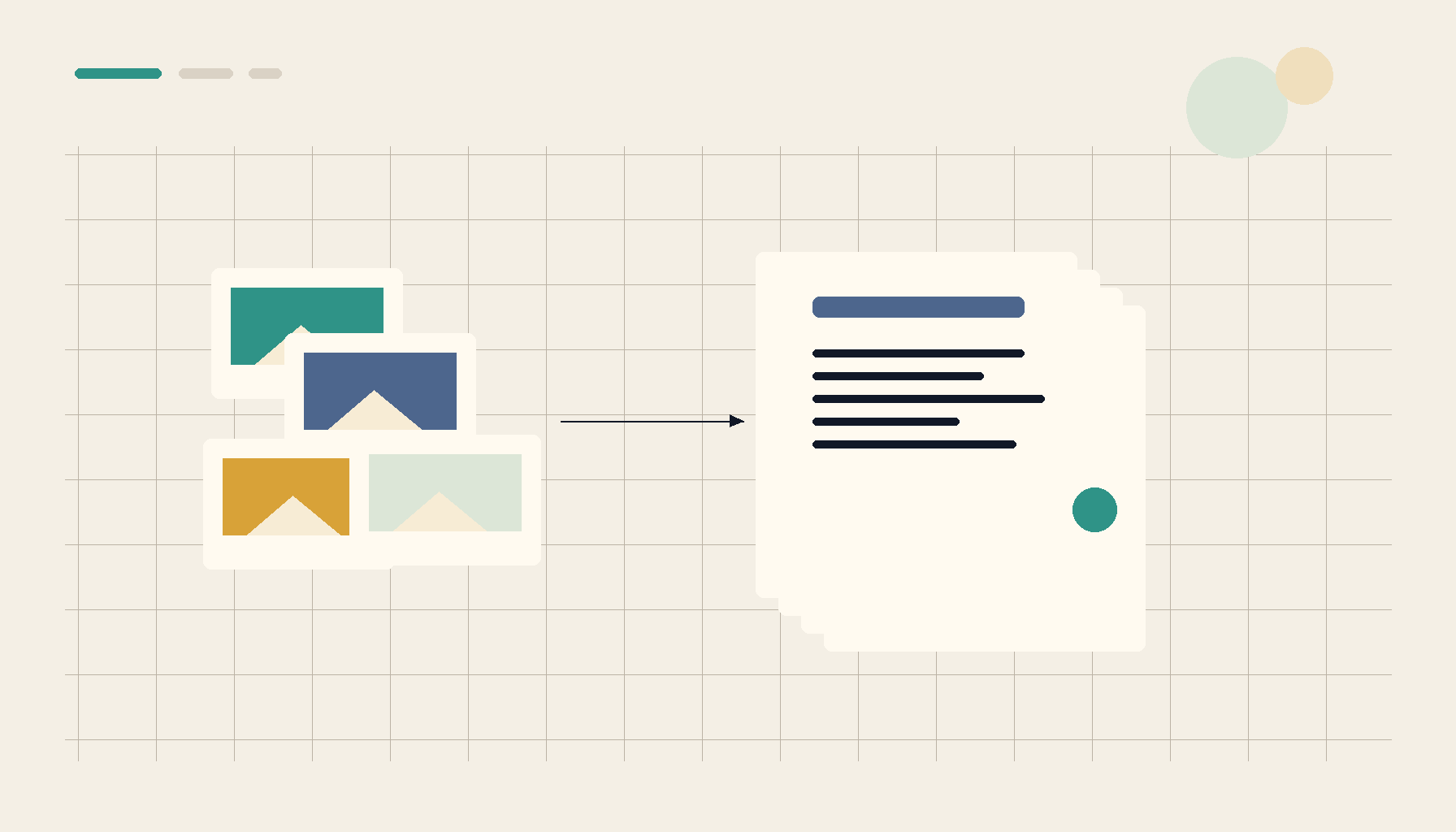
The fourth signal is a file manager built over three years around a simple reframing: search results should behave like a real folder, not a disposable list. When a query returns matching files, you can preview them in place, tag them, copy or move them, and save the whole result as a smart folder that stays current as files change. The search stops being a one-time lookup and becomes a persistent working surface.
This matters because most file work is not really about a single file — it is about a set. The receipts from last quarter. Every PNG in a project that needs the same resize. The scanned pages that belong to one document. If the only thing your search can do is point at results, you still have to gather them by hand before you can act. If the results are themselves a workspace, the gathering disappears. You filter to the set, and the set is the thing you operate on. Composable file actions become far more powerful when the input is a live selection rather than one item at a time.
PDFs you can actually talk to
The fifth signal is an AI-native PDF editor for macOS, and it points at where document work is heading. The familiar PDF chores — filling a form, signing, merging, splitting, extracting a table — are being joined by ones that assume a model is sitting next to the file: explain what this dense PDF is actually saying, run OCR on a scan and read it aloud, recognize that a document is a recurring one and handle it the way you handled it last month.
The important constraint is where that intelligence runs. A PDF is often the most sensitive file on the disk — a contract, a medical form, a financial statement. "Upload it so we can summarize it" is exactly the wrong default for that category. The right default is the model coming to the document on your machine, doing the OCR, the form fill, and the explanation locally, and leaving nothing behind. AI-native does not have to mean cloud-native. The most useful version of these features is the one that never asks the file to leave.
Where 1FileTool Fits
1FileTool is built around the throughline these five signals share: composable file utilities that act where the files already are, with no upload and no account. It is a local-first desktop suite covering the everyday operations — convert, compress, resize, OCR, merge and split, extract tables, and batch the whole thing across a folder. The files never leave the machine, there is no subscription, and there is no watermark waiting at the export step.
The goal is not to be one more single-purpose tool in an already crowded browser. It is to collapse the tab full of one-off web apps into a set of actions you run against your own files. Photo cleanup, right-sized exports, and PDF work all live in one place, applied to the bytes on your disk, with the trade-offs visible and yours to choose.
| Concern | One-off web tools | Local-first 1FileTool |
|---|---|---|
| File handling | Uploaded to a server | Stays on your machine |
| Account required | Usually, to export | None |
| Cost model | Subscription or per-export | No subscription |
| Output quality | Watermarked or capped on free tier | Full quality, right-sized by you |
| Workflow | One tab per task | Composable actions in one place |
The Takeaway
The common thread across an open-source background remover, a command bar, a proxy-resolution debate, a search-as-folder file manager, and an AI-native PDF editor is not a single feature. It is a stance: do the work where the file lives. That stance is faster because there is no round trip, more private because nothing is uploaded, and cheaper because there is no account standing between you and your own bytes. Single-purpose web tools will keep multiplying, each with its own login and its own watermark. The alternative is a small set of composable utilities that meet your files where they already are — and for most everyday file work, that is the better default.