Reusable Project Memory Beats Chat History
The value in AI work is shifting from one-off chat transcripts to private, reusable project context. Five real scenarios show why durable project memory beats chat history.
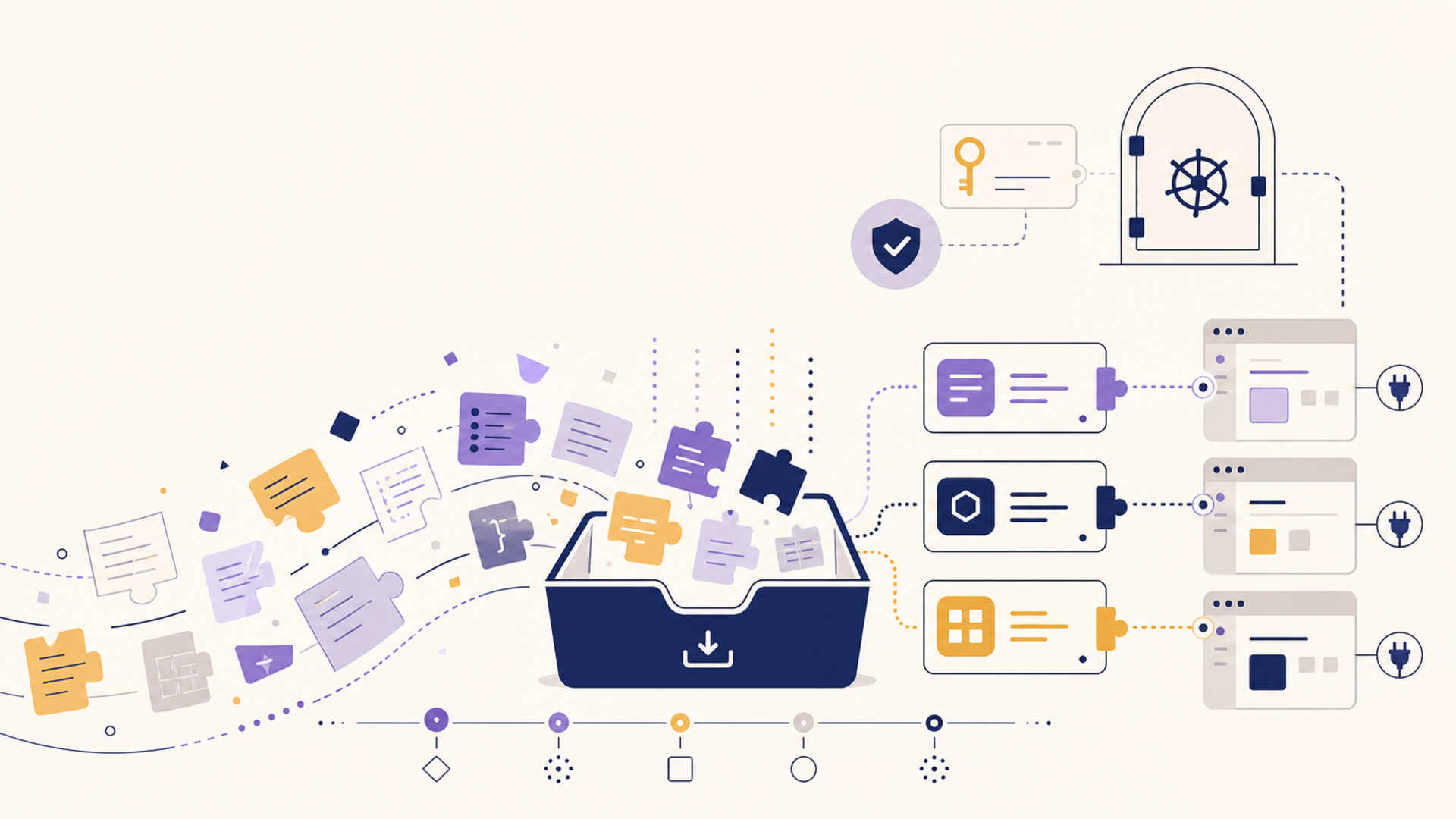
For two years the default unit of AI work has been the conversation. You open a chat, explain your situation from scratch, get something useful, and close the tab. The transcript drifts into a sidebar you will probably never open again. It worked because the alternative was nothing — but it quietly trained us to treat hard-won context as disposable.
That habit is starting to cost people. The most valuable thing in an AI workflow is rarely a single answer. It is the accumulated context around the work: the curriculum you have been following, the instructions that make a coding assistant behave the way you want, the research you have spent months collecting, the running state of a long project. Chat history captures almost none of that in a form you can reuse. It is a log, not a memory.
The shift worth paying attention to is the move from one-off transcripts to reusable project context — durable, structured, portable knowledge that you carry between tools instead of rebuilding inside each one. The threads below come from people hitting this wall in very different ways, and they all land in the same place.
The source signals for this post include thread 1, thread 2, thread 3, thread 4, and thread 5.
The Tutor That Outgrows Its Notebook
One increasingly common pattern is using a project workspace as a long-running tutor. Someone sets up a dedicated space, gives it a role, and starts treating it like a structured course: a curriculum log that tracks what has been covered, a score sheet for mock interviews, a set of standing instructions for pair-coding sessions so the assistant reviews code the same way every time. It is genuinely effective — the project remembers the shape of the work, so each session starts in the middle instead of at the beginning.
Then the workspace fills up. The curriculum, the transcripts, and the accumulated instructions push against a context limit, and the only obvious move is to upgrade the plan or start deleting the very history that made the setup useful. The painful part is that the asset here was never the chat — it was the curriculum log and the instruction set. Those are small, structured, and portable. They do not need to live inside a single vendor's context window, and they certainly should not be the thing you are forced to throw away just to keep going.
A Knowledge Base You Don't Want to Hand Over
A second pattern shows up around large personal knowledge bases. Picture years of notes — a sprawling Notion or Markdown research base — that someone now wants to turn into presentations or briefings. The manual route is brutal: copy a section, paste it into an AI tool, prompt, copy the result back, repeat a few hundred times. The obvious shortcut is to connect the whole knowledge base to a third-party tool and let it read everything.
That shortcut is where people hesitate, and they are right to. Handing an entire personal research archive to an external service is a real decision, not a checkbox. The knowledge base often holds client material, half-formed ideas, and private notes that were never meant to leave the machine. The question is not "is the tool good," it is "do I want all of this sitting in someone else's system just to get a deck out of it." Reusable context only helps if you control where it lives.
Letting the Stream Pass, Keeping the Summary
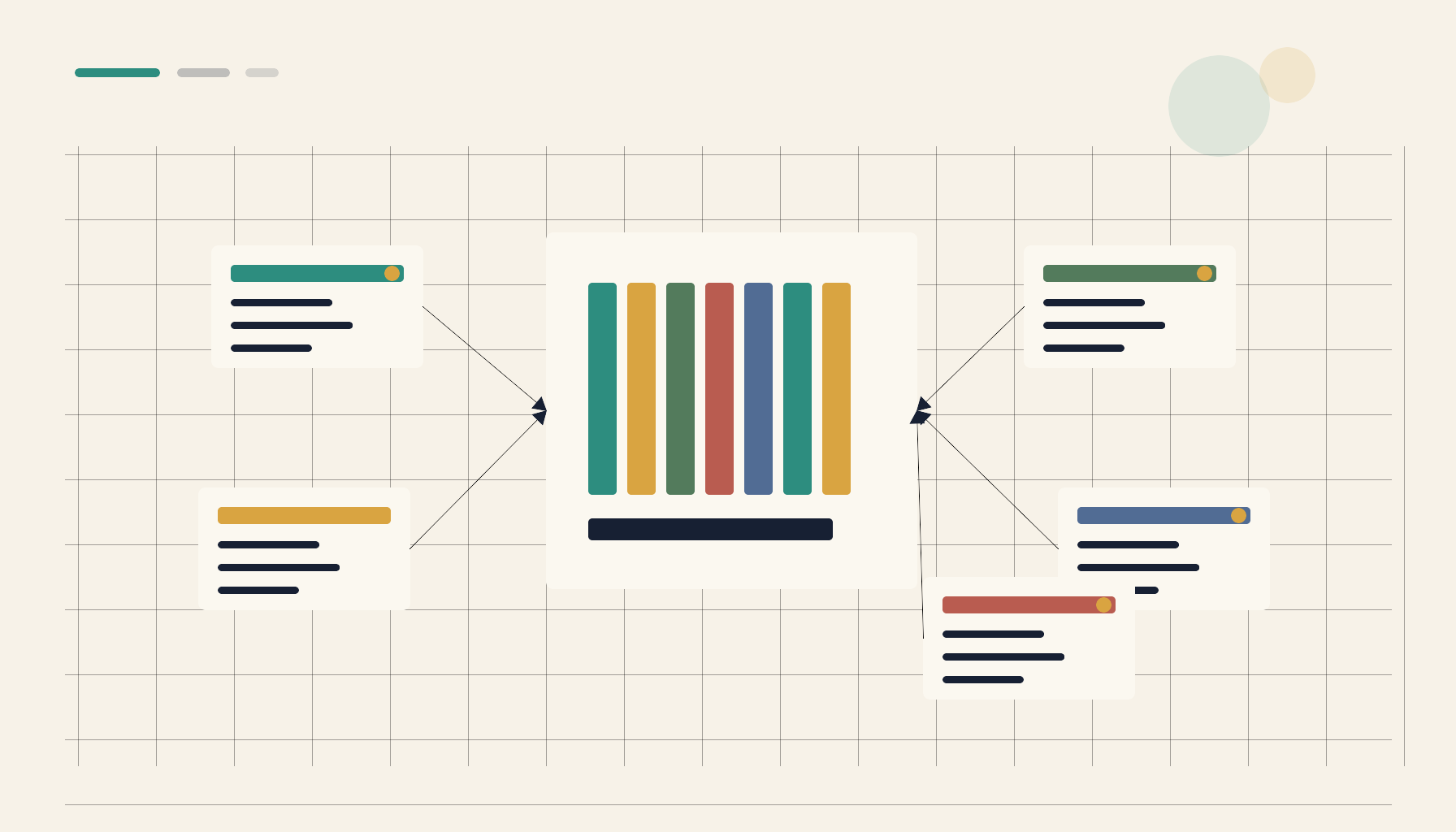
A third frustration is information triage. The complaint is familiar: too much news, too many feeds, too many tabs, and keeping up has become a part-time job with no output. The instinct is to read more. The better goal is to read less and keep more — to let the stream flow past and capture only the summaries that matter to a specific project or interest.
This is a context problem disguised as a reading problem. What you actually want is a layer that watches the firehose, filters against topics you have defined, and deposits short, durable summaries into a place you can search later. The raw articles are disposable. The two-sentence takeaway, tagged to a project, is the thing worth keeping. Done well, monitoring stops being a feed you have to babysit and becomes a slow trickle of reusable notes that accumulate into something you can actually query.
Memory That Stays on Your Machine
A fourth thread comes from people building fully local AI assistants — running models on their own hardware, deliberately, so that nothing leaves the box. The recurring missing piece is not the model. It is memory. A local assistant with no persistent context is a clever stranger every morning; it cannot recall your projects, your preferences, or last week's decisions without a place to store them.
The constraint that makes this interesting is that the memory layer has to honor the same boundary as the model. There is little point running inference locally if the assistant's long-term memory ships off to a cloud service. The context — notes, project state, prior conversations — has to be capturable, searchable, and reusable while staying on the same machine as the model that reads it. Local-first is not a feature here; it is the whole premise.
The Save Button Was Never the Hard Part
The last pattern is the most familiar and the most quietly broken. People save things constantly — bookmarked Reddit threads, liked tweets, saved Instagram posts, clipped articles, screenshots of advice. Years of it. And almost none of it ever gets used, because saving was never the bottleneck. Retrieval is. A saved item you cannot find is functionally lost.
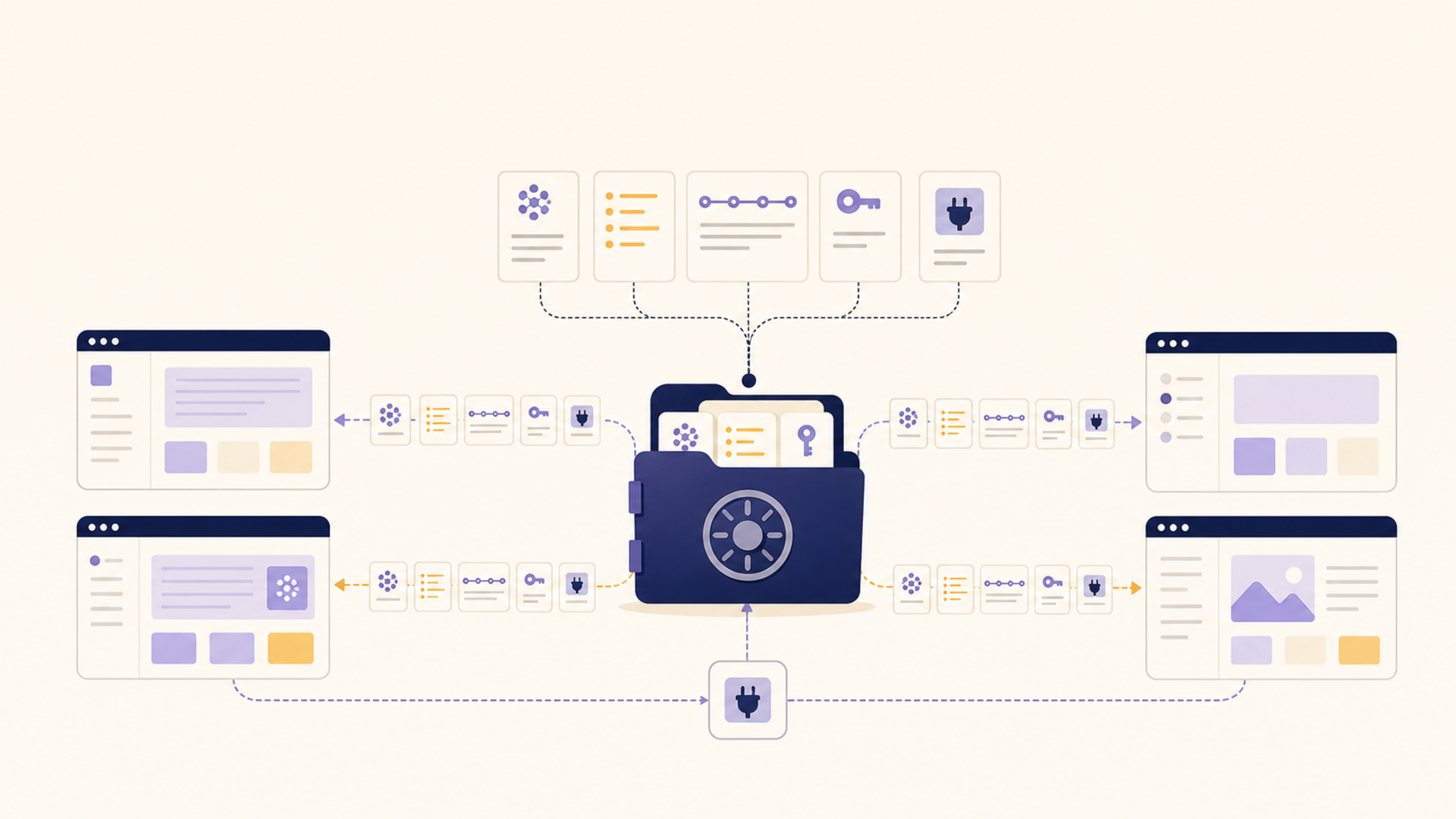
What turns a hoard into a resource is two things: it has to be searchable, and it has to be reachable from wherever you are actually working. The second part is where standards matter. If your saved context can be exposed through something like MCP, it stops being a graveyard in a separate app and becomes a source your AI client can pull from mid-task — "what did I save about onboarding flows" answered from your own archive instead of the open web. The save button was always the easy part. The work is making thousands of saved items behave like a library instead of a landfill.
Where 1AiVault Fits
These scenarios are not five problems. They are one problem wearing five outfits: context worth keeping, with nowhere durable, private, and reusable to keep it. That is the gap 1AiVault is built for.
The idea is a private, local-first context vault. You capture and import the things that matter — notes, PDFs, saved threads, chat exports, prompt libraries, project state — and organize them so they can be reused across whatever AI tools you happen to use, without feeding personal data to cloud models. Because it is MCP-compatible, the context you save can be surfaced inside the AI clients you already work in, instead of trapped behind another app's login. The curriculum log outlives the workspace that created it. The research base becomes queryable without being handed to a stranger. The saved hoard becomes searchable. And it stays on your side of the line.
The discipline that keeps this from becoming yet another note-hoarding tax is the same one good knowledge management has always required: capture should be cheap, but reuse is the point. A vault earns its keep when context flows back out into real work — not when it simply accumulates.
| Approach | Good at | Where it breaks down | Reusable across tools? |
|---|---|---|---|
| Chat history in one app | Fast, zero setup | Hits context limits; locked to one vendor | No |
| Exported transcripts in a folder | Yours to keep | Unsearchable; no live recall | Rarely |
| Syncing a whole KB to a cloud tool | Powerful processing | Privacy exposure; all-or-nothing | Sometimes |
| Manual copy-paste per task | Total control | Slow; doesn't scale; nothing persists | No |
| Local-first context vault | Private, searchable, MCP-reachable | Requires capture discipline | Yes |
The Takeaway
Chat transcripts were a convenient default, but they were never the asset. The asset is the reusable context underneath: the curriculum, the instructions, the research, the saved signal, the running project state. As soon as you treat that context as something you own — durable, private, and reachable from any tool — the AI work stops resetting every morning and starts compounding. Reusable project memory beats chat history because it is the part actually worth keeping. The only question left is whether it lives on your terms or someone else's.