Reusable project boot packs: the consulting onboarding pattern that beats rebuilding your shell
Every new client engagement starts with the same 40 minutes of CLI setup — wrong gh account, stale gcloud project, missing aliases. A project boot pack collapses that to one command and ships with the repo.
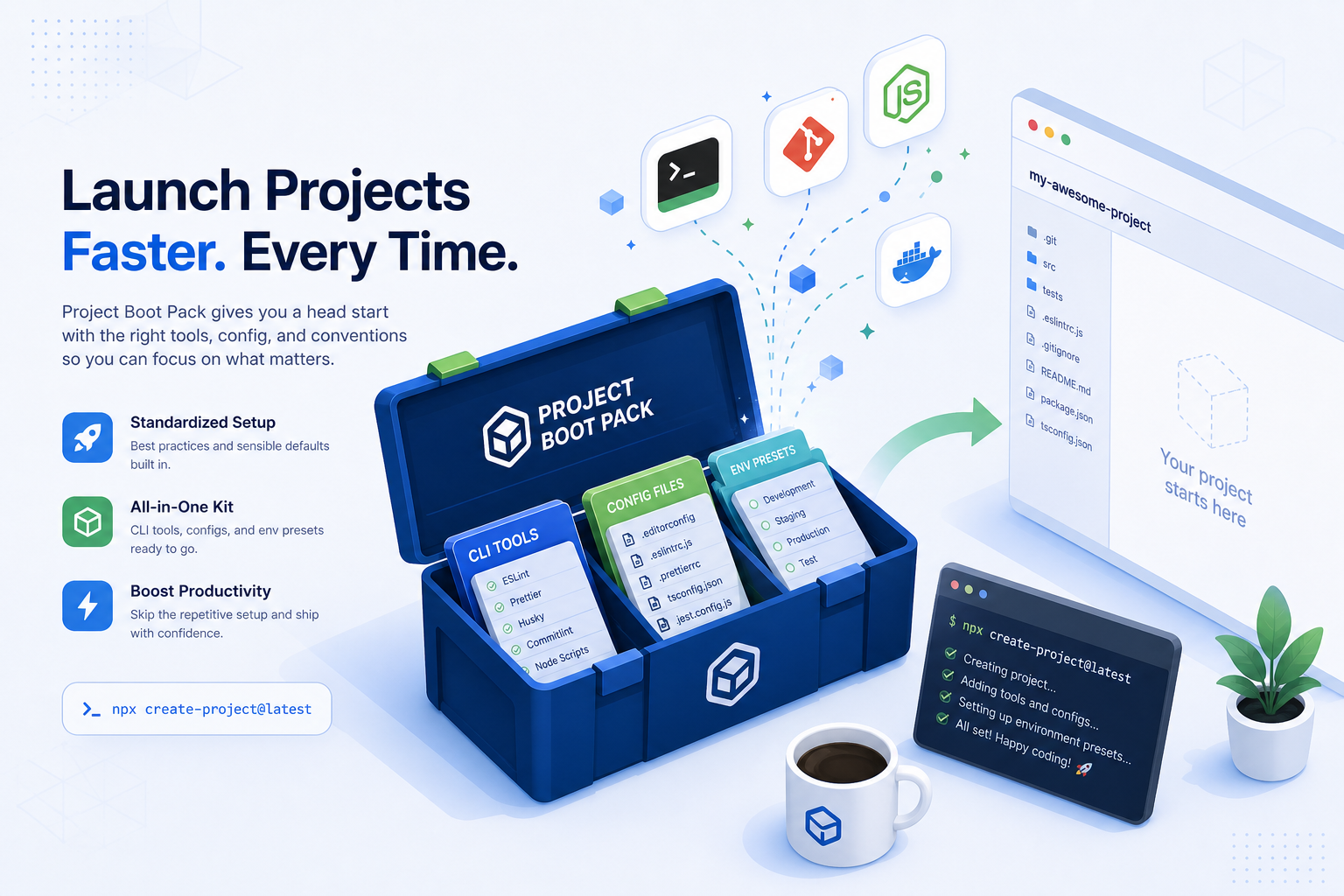
The first day of every new consulting engagement looks the same. You clone the client's repo, open your terminal, and stare at it.
gh auth status — wrong account. gcloud config list — last project from a different client. kubectl config current-context — points at a cluster you don't have access to anymore. Your shell aliases are scoped to your previous engagement's stack. The .envrc you'd kill for is sitting in a folder you closed last week.
Forty minutes later you've reset everything — and you've done this same forty minutes a half-dozen times this quarter. By the third client repo of the day you've stopped pretending it's a one-time cost.
A project boot pack is the fix. Not a dotfiles repo. Not a "new client checklist" doc. A versioned, applyable bundle that snaps your shell, your toolchain, and your credential scoping into the right shape for one project — in one command.
What changed
Boot packs treat your local CLI environment the way you already treat your application code: as something you stamp out from a template, not something you reconstruct by hand. The trick is making the bundle granular enough to map to a real engagement and lightweight enough that you'd actually create one for a two-week project.
The right shape is: one boot pack per long-lived project, with shared "stack packs" (rails, terraform-aws, kubectl+helm) layered underneath.
How it works in practice
Separate the project pack from the stack pack
Most of what you set up isn't project-specific — it's stack-specific. terraform, aws-vault, kubectl, helm, gh, and their config conventions are the same across every client running the same stack. Put those in a stack pack you reuse.
The project pack on top is small: client name, secret references, env-var names, ssh-config aliases, repo-specific aliases (alias deploy-staging='...'), and one block of "things that are weird about this codebase you'll want to remember."
A project pack is rarely more than 30 lines. A stack pack is 100–300. The split is what keeps both maintainable.
Make it applyable, not aspirational
A boot pack you have to read and copy-paste from is a doc. A boot pack is a script — even if it's just bash. The single hard requirement: boot apply <client-name> does the thing without you reading anything.
A workable boot script:
- Switches the shell to a sub-shell or new session scoped to this project
- Sets
GH_HOST,AWS_PROFILE,KUBECONFIG,GCLOUD_PROJECT, etc. for this client - Sources project aliases
- Prints the three things you always forget — the staging URL, the deploy command, the on-call channel
That's it. Five seconds, no thought. The moment you have to remember a flag, the pack has failed.
Version it, but keep the diff readable
Boot packs drift. APIs change, the client rotates credentials, the team adopts a new monorepo layout. Keep them in git, but resist the urge to add abstraction. A 30-line pack you can re-read in 20 seconds is more valuable than a 300-line "framework" you have to grok before you trust it.
If two client packs start to look identical except for a name, that's the moment to promote the shared part to a stack pack — not a moment sooner.
Scope secrets, don't embed them
The boot pack should reference where the secret lives (aws-vault exec client-staging --, op://Personal/Client X SSH/private_key), never include the secret itself. That's the difference between a boot pack you can paste into a public dotfiles repo and one that becomes a security incident the day you tab into the wrong terminal.
Before vs after
| Without boot packs | With boot packs | |
|---|---|---|
| Time to "first useful command" on a new repo | 30–60 min | 5–10 sec |
| Risk of credentials from client A leaking into client B's terminal | High | Near zero (scoped per pack) |
| Likelihood the second engineer on the engagement can start in under a day | Low | High (pack ships in the repo) |
| When the client rotates creds | Update three different config files, hope you got them all | Bump the secret reference in one place |
| When you take six months off a project then come back | Re-bootstrap from memory | boot apply <client>, you're back |
Who benefits most
Solo and small-shop consultants. The math is brutal here. If you switch between four clients per week and each context-switch costs you 30 minutes of CLI setup, that's two hours of un-billable time per week — a hundred hours a year. A boot pack converts that into a one-time investment per engagement.
Agency leads handing engagements between engineers. "Here's the repo and the doc" only works if the doc is current and the receiving engineer reads it carefully. "Here's the repo, run boot apply" works the first time, every time. The pack itself becomes the onboarding artifact.
Engineers moonlighting on side projects. Same logic, smaller scale. The reason most side-project sessions start with twenty minutes of "wait, which Node version was I using" is that you didn't write down which Node version you were using. A four-line pack solves it permanently.
What to put in your first boot pack
Pick the client engagement you most dread starting a session on. Open a file ~/packs/<client>.sh. Write:
#!/usr/bin/env bash
export AWS_PROFILE=<client>-staging
export GH_HOST=github.com
export KUBECONFIG=~/.kube/<client>.yaml
alias deploy-staging='<the actual command>'
alias logs-prod='<the actual command>'

echo "Staging URL: <url>"
echo "On-call: <channel>"
echo "Last handoff: ~/.handoff/<repo>/latest.md"
That's it. Source it next time you cd into that repo. Add the next thing you forgot the next session. After three sessions the pack is essentially done. The fourth session, you stop noticing the friction was ever there — which is the real win.