Real Files Need a Local Workbench, Not Another Upload Box
The useful file-tool market is moving toward exact local jobs: huge PDFs, media cleanup, recovery triage, archive conversion, and private delivery prep.
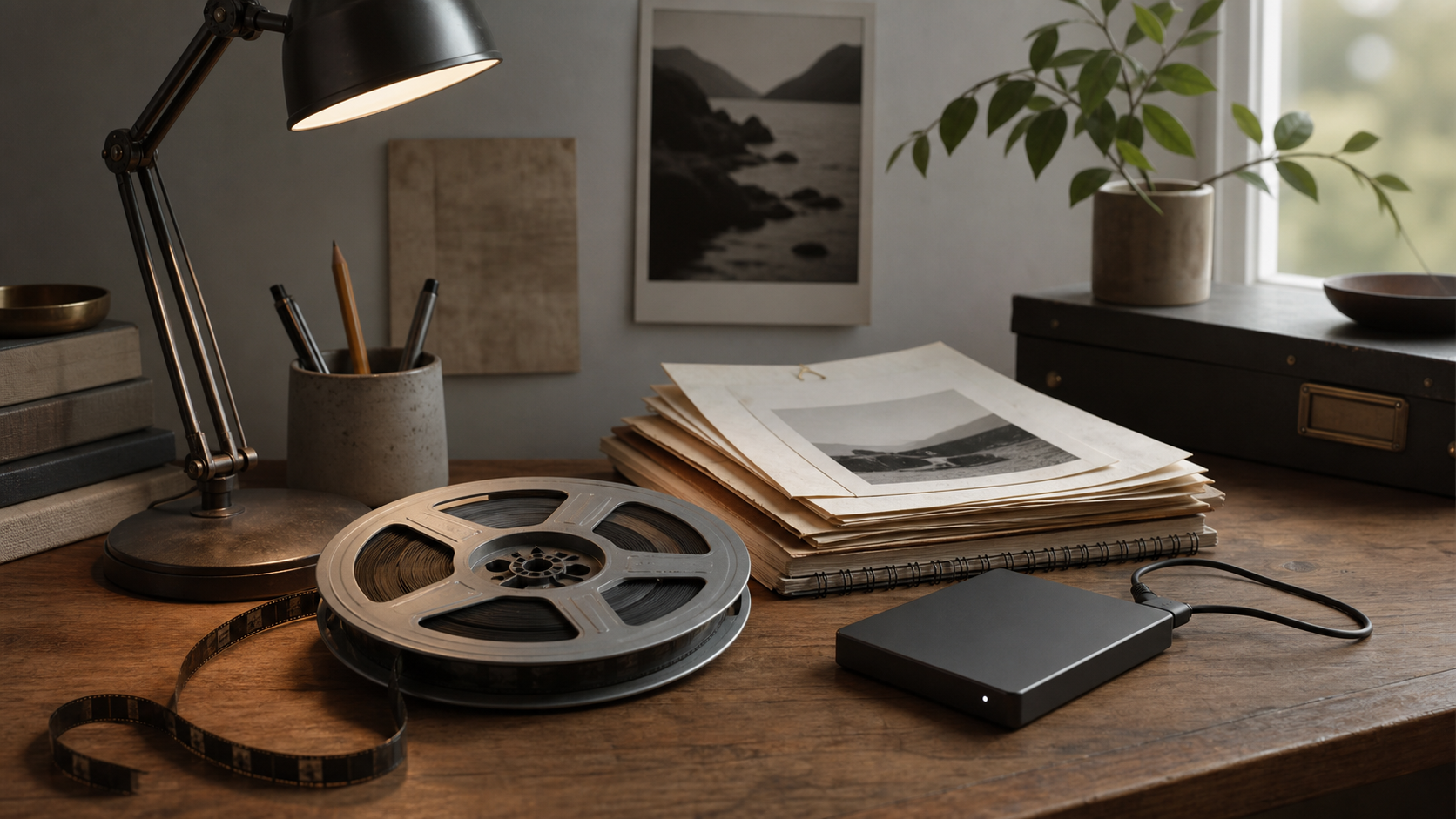
The file-tool market is often described as if people only need to compress a PDF or convert a PNG. The current demand signals are messier than that. People are trying to recover drives after a failed format, validate cloned backups, convert obscure archives, split huge PDFs into images, clean old portfolio footage, protect preview images, catalog photo and video libraries, and keep private documents out of cloud uploaders.
Those are not glamorous jobs. They are real file work.
The hard cases are not edge cases to the user
A 2GB PDF that crashes a converter is not an edge case when it is the file you have to deliver today. A 1990s archive format is not trivia when it contains the old site or personal work someone is trying to preserve. A multicam project that becomes uneditable is not a media theory problem. It is a workflow failure with a deadline attached.
The typical web converter is optimized for the clean middle: one file, normal size, common format, no privacy concern, no batch context, no need to inspect what happened. Real file work often lives outside that middle.
A local workbench is valuable because it can accept the shape of the actual job. Compress this folder. OCR these scans. Convert the giant PDF without uploading it. Extract what can be recovered. Resize these media assets. Strip metadata. Build a delivery set. Repeat the recipe next week.
1FileTool sits in that lane: many exact file utilities, local-first, aimed at the small jobs that become expensive when every one requires a different account, upload queue, or subscription.
A file workbench earns trust when it handles ordinary documents and awkward media chores in the same local place.
Privacy is practical, not philosophical
People do not always need a privacy argument about abstract rights. Sometimes they just know the file should not leave the machine. Client previews, scans, receipts, medical forms, legal documents, unreleased creative assets, raw drive contents, old archives, and internal PDFs are all bad fits for a random upload tool.
The upload workflow also creates uncertainty. Was the file stored? Was it used for model training? Did the tool preserve metadata? Did it fail because the file was too large, because the browser tab slept, or because a server limit was hit? A local workflow removes many of those questions.
Local does not mean primitive. A good local utility can still have polished previews, batch queues, progress, presets, and repeatable workflows. It just keeps the file boundary where the user expects it: on the machine that already owns the file.
File jobs are spreading across media and documents
The same person may need PDF OCR in the morning, video compression in the afternoon, image watermarking before delivery, and metadata cleanup before archiving. The old distinction between document tools, image tools, video tools, and archive tools is convenient for vendors. It is not how work arrives.
This is why small local utilities are expanding into a workbench pattern. The user does not want one giant creative suite. They also do not want ten narrow web apps. They want exact transformations close to the file system: convert, compress, merge, split, repair, extract, clean, watermark, search, and package.
That same local-control principle appears elsewhere in the StoicSoft portfolio. Developer teams want agent runs they can inspect through 1DevTool. AI users want reusable context they own through 1AIVault. Solo marketers want their SEO and content workflow to stay operator-owned through 1MarketingTool. Different domains, same pressure: the useful layer belongs close to the work.
Recovery work needs triage, not magic promises
File recovery and backup validation deserve special care because the wrong tool can make the situation worse. A responsible local workflow should help with triage: inspect what is readable, copy before modifying, preserve originals, explain destructive steps, and avoid pretending that every failure is reversible.
This is another reason local tools matter. The point is not to promise miracle recovery. The point is to give users controlled, inspectable steps when the file, drive, archive, or exported asset is already fragile.
A cloud converter's failure message rarely teaches the user what happened. A local workbench can be more honest about limits while still solving the jobs that are safe to automate.
The best file tool disappears after the job is done
File utilities should not try to become the user's operating system. They should reduce the friction between the file as it exists and the file the user needs. That means fast launch, clear inputs, predictable output folders, no account ceremony, and enough batch structure to avoid repetitive hand work.
The durable opportunity is not another generic converter page. It is a trustworthy local workbench for the awkward, private, oversized, old, mixed-format files people actually have.
Real files are rarely clean demos. The tool should meet them where they are.