File Jobs, Not File Apps: A Local-First Utility Map for OCR, Tables, and Book Scans
A job-shaped map of local file utilities: bulk OCR, book scanning, lean stacks, smarter compression, and clean PDF exports — matched to the one constraint that decides each.
Most people approach file work by collecting apps. You hit a problem — a scanned contract, a bloated photo library, a stack of handwritten notes — and you go shopping for the tool that owns that category. Six months later you have a drawer full of half-learned applications, several of them now quietly asking for a monthly subscription, and you still reach for the wrong one half the time.
A more durable way to think about it is by the job. A job has a shape: an input, a transformation, an output, and one constraint that actually decides the outcome — cost, accuracy, privacy, or disk space. Once you can name the shape and the constraint, the tool choice gets boring, which is exactly what you want. The point of file utilities is to make the file work forgettable.
What follows is a job-shaped map of the local file tasks people genuinely argue about, drawn from recent threads where the binding constraint — not the brand of app — was the real subject. The source signals for this post include high-performance, affordable OCR, converting a physical book to searchable text, rating a real-world software stack, compression tricks that reclaimed serious storage, and turning a folder of files into a single PDF.
Job 1: Bulk OCR Without Burning AI Tokens
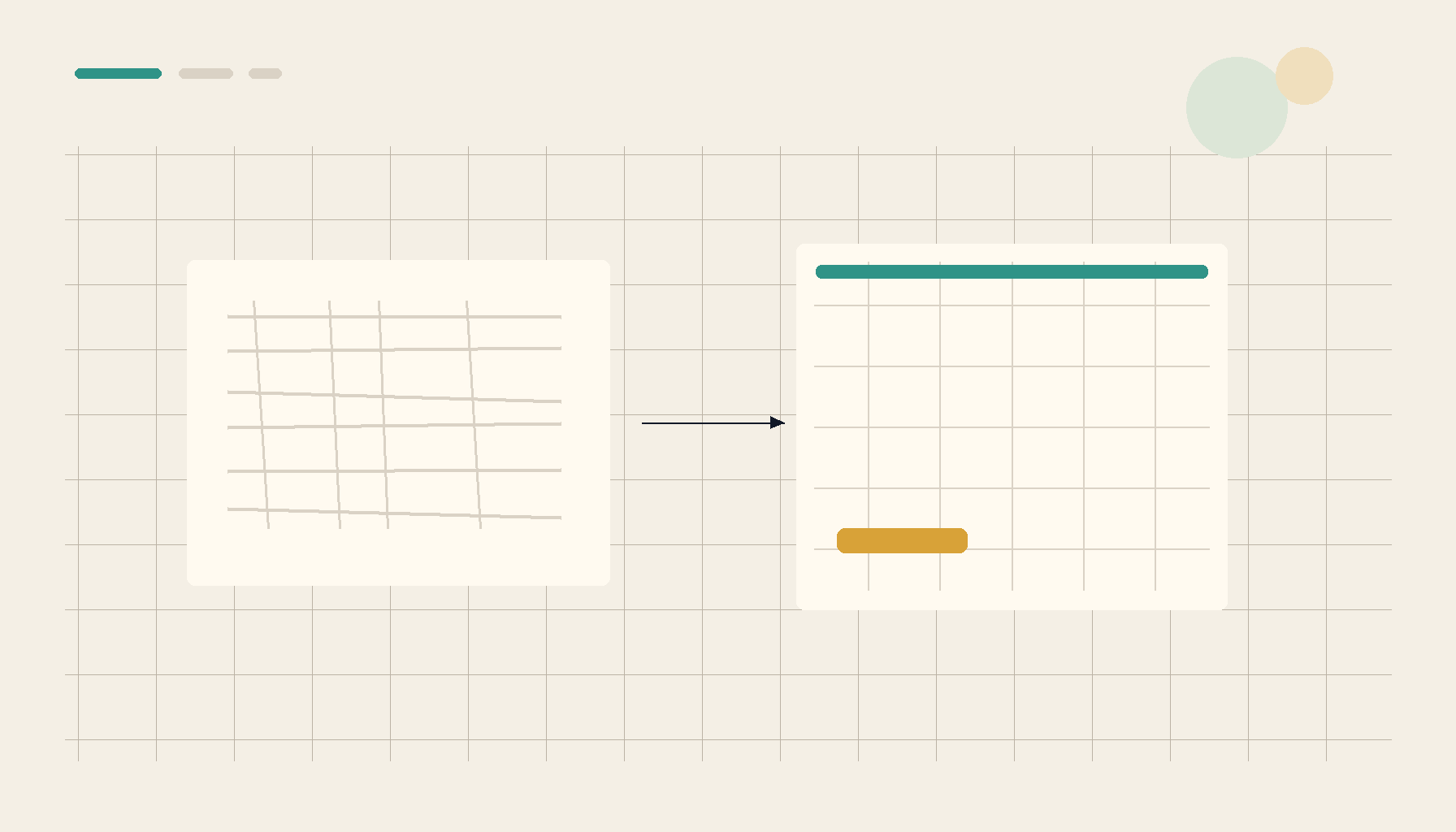
The shape here is a batch: roughly a thousand scanned PDFs, many of them visually complex — multi-column layouts, embedded tables, mixed text and figures — that need to become structured HTML or CSV. The binding constraint is cost. Routing a thousand dense pages through a hosted vision model gets expensive fast, and the bill scales with the corpus, not with how much you actually use the output.
What you optimize for is throughput per dollar, and that pushes the work back onto your own machine. A local OCR pass over the whole batch has a fixed cost — your time and your CPU — instead of a per-page meter. The realistic tradeoff is that local engines need clean inputs to hit high accuracy on complicated layouts, so the win comes from preprocessing: deskew, despeckle, and normalize contrast before recognition, and split the work into table-extraction versus body-text passes rather than asking one tool to do everything.
The operational reality is that AI tokens are best spent on the pages that genuinely defeat a local engine, not on all thousand. Run the bulk pass locally, flag the residue, and reserve any paid model for that short tail. The constraint stops scaling with the corpus.
Job 2: Turning a Physical Book Into Searchable Text
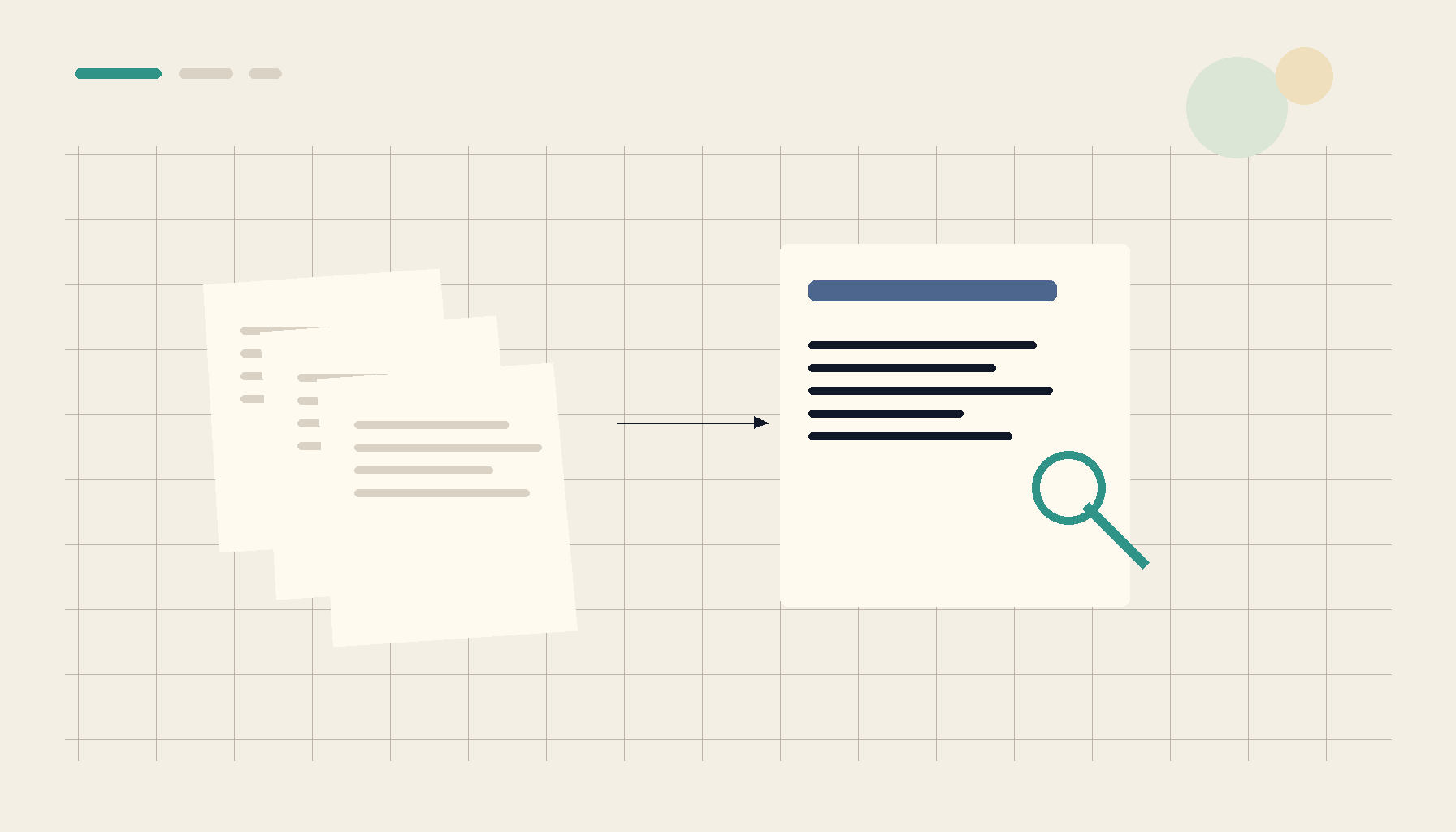
This job looks similar but has a different binding constraint: accuracy, not cost. Someone wants a physical book turned into a searchable PDF or a clean TXT file, and the failure mode is subtle. Bad OCR does not announce itself — it produces a file that looks fine until a search for a phrase you know is in there returns nothing, because the recognizer quietly mangled a ligature or dropped a hyphenated line break.
What you optimize for is faithful capture before recognition. Consistent lighting, a flat page, and a high enough resolution that small type survives are worth more than any post-processing trick. From there, the searchable-PDF format earns its keep: it keeps the page image you can trust your eyes on and layers a recognized text track underneath for search and copy. If you only need the words, a plain TXT export is smaller and easier to grep, at the cost of losing layout.
The local-first tradeoff is patience. A cloud service might be marginally faster on a single book, but you are handing over the full text of something you scanned, and you inherit whatever its recognizer decides. Doing it locally means you can re-run a chapter that came out wrong without re-uploading anything.
Job 3: A Lean Stack on Modest Hardware
A recurring genre of thread is someone posting their current toolset and asking for a critique. The interesting part is rarely the specific apps — it is the constraints they list around them: modest hardware, a strong preference for tools that do not phone home, and an allergy to subscriptions for work that used to be a one-time purchase.
The shape of this job is selection, not transformation. What you optimize for is the ratio of capability to weight. A utility that launches instantly, holds a small memory footprint, and writes its output where your files already live beats a heavyweight suite that wants to index your whole disk and sit resident in the tray. On older or low-spec machines, that difference is the gap between a tool you actually open and one you avoid.
The tradeoff people accept here is breadth for control. A sprawling creative suite can do more in theory, but it also assumes an account, an update treadmill, and increasingly a cloud round-trip. Choosing lean means accepting that occasionally you reach for a second small tool — which is fine, because each one is cheap to learn and easy to throw away.
Job 4: Reclaiming Gigabytes With Smarter Compression
The data-hoarder version of this problem is pure disk space. Someone with a large, slow-growing archive of documents, images, and video finds that switching compression strategy — modern algorithms like zstd tuned to the file type — reclaims many gigabytes without deleting anything. The binding constraint is storage, and the lever is matching the codec to the content.
What you optimize for is the right tool per file class. General-purpose archivers leave a lot on the table because they treat a folder of mixed media as one undifferentiated stream. Zstd at a higher level is excellent on text-heavy and document data and gives you a real speed-versus-ratio dial; already-compressed media (most JPEGs, most video) barely shrinks under a generic pass and is better handled by format-specific recompression or simply left alone. The reclaimed space comes from knowing which is which.
The local-first angle is almost definitional: this is your archive on your disk, and the entire point is that it never has to move. Compression and recompression are CPU jobs that run perfectly well where the bytes already live, with no transfer cost and no third party holding a copy.
Job 5: Handwritten Notes and Loose Files Into One Clean PDF
Two related jobs round out the map. The first is exporting handwritten notes — strokes, sketches, the occasional pasted image — into a PDF without the export warping the geometry or resampling the images into mush. The second is the everyday case of collapsing a folder or a ZIP of mixed files into a single, ordered PDF you can hand to someone.
What you optimize for is fidelity and order. For handwriting, that means an export path that preserves vector strokes as vectors and embeds images at their native resolution instead of flattening everything to a low-DPI raster. For the merge case, it means predictable page ordering and the ability to mix file types — images, existing PDFs, documents — without each one being reflowed by a different engine.
The tradeoff is small but real: doing this locally means the page order and scaling are decisions you make explicitly, rather than ones a web converter makes for you. That is usually the better deal, because the cost of a silently warped diagram is discovering it after you have already sent the file.
Where 1FileTool Fits
1FileTool is built for exactly this job-shaped way of working: a local-first, no-upload desktop suite that covers the capability categories these jobs need — OCR, convert, compress, resize, merge and split, table extraction, and batch processing — without an account or a subscription. Files never leave the machine, which is the same constraint each of the threads above kept circling back to. It is the lightweight layer you reach for to run one file job fast, where the files already sit, then close.
| Job shape | Cloud SaaS | Heavy desktop suite | Local-first utility |
|---|---|---|---|
| Bulk OCR of ~1000 PDFs | Per-page cost scales with corpus | Capable but heavy, account-bound | Fixed local cost, batch on your CPU |
| Book to searchable PDF/TXT | Uploads full text, opaque engine | Often overkill for one book | Re-run pages locally, nothing leaves |
| Reclaiming archive storage | Round-trips your whole archive | Indexes the disk, sits resident | Codec-matched compression in place |
| Notes / files to one PDF | Reflows layout, warps images | Slow to launch for a quick merge | Fast, ordered, fidelity preserved |
| Cost and privacy posture | Subscription, data offsite | One-time but bloated | No account, no upload, no lock-in |
The Takeaway
Stop shopping for file apps and start naming file jobs. Each job has a shape and a single constraint that decides it — cost for bulk OCR, accuracy for book capture, weight for a lean stack, disk for an archive, fidelity for an export. Match the tool to the constraint and most of these tasks become local, cheap, and dull in the best way. A local-first utility that runs the job where the files already live, without an account or an upload, is the layer that makes that possible.