The Five-Field Template That Stops Billing Tickets From Escalating
Billing escalations don't escalate because of the original error — they escalate because of the response gap. A structured template that closes the gap.
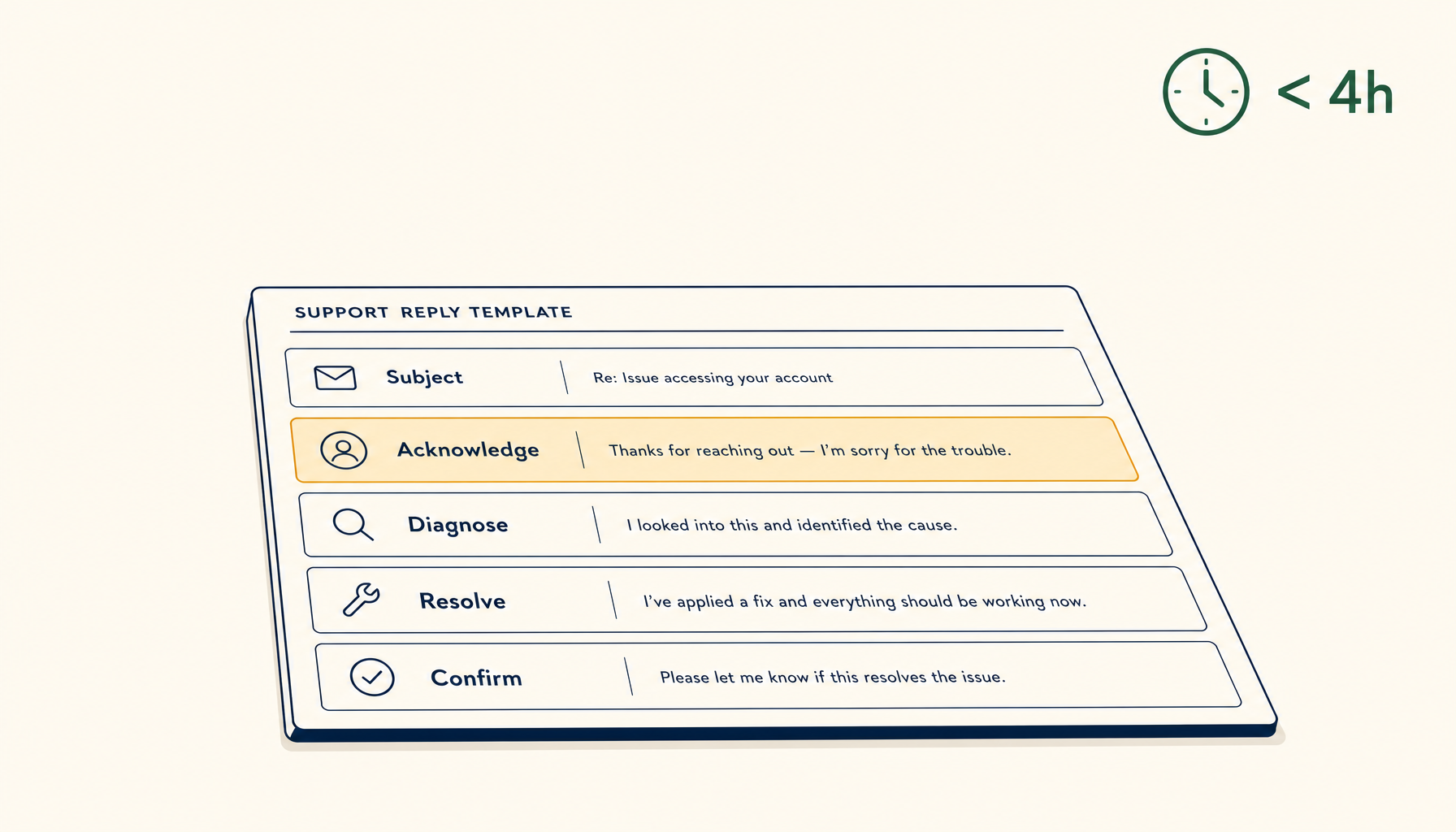
A user pays $49 for your tool. The Stripe webhook fails silently. Their plan never activates. They email support saying "I paid but I don't have access" and now you have a billing escalation.
The first reply you send determines whether this becomes a 4-message ticket or a 24-hour public meltdown.
Here's the structured template that works.
The five fields, in order
Subject: [Billing] {your-issue-summary} — ticket #{id}

Hi {name},

Confirming what I see on my side:

1. Email on file: {email}
2. Last payment: {amount} on {date} ({card_last4 or paypal}, txn {transaction_id})
3. Plan in our system: {actual_plan}
4. Plan you paid for: {expected_plan}

Status: {investigating | identified | resolved}

What I'm doing right now:
{specific action — checking webhook logs, reactivating, etc.}

Next update from me: {explicit time, e.g. "by 5 PM PT today"}.

If you need an immediate workaround:
{workaround if any, otherwise "none — fixing it on our side now"}

— {agent name}
These fields, in this order, are the difference between calm and escalating.
Why each field matters
1. Restated situation
The user just typed out their problem. They want to know you read it. Restating their email, payment, and plan facts proves you have their account in front of you.
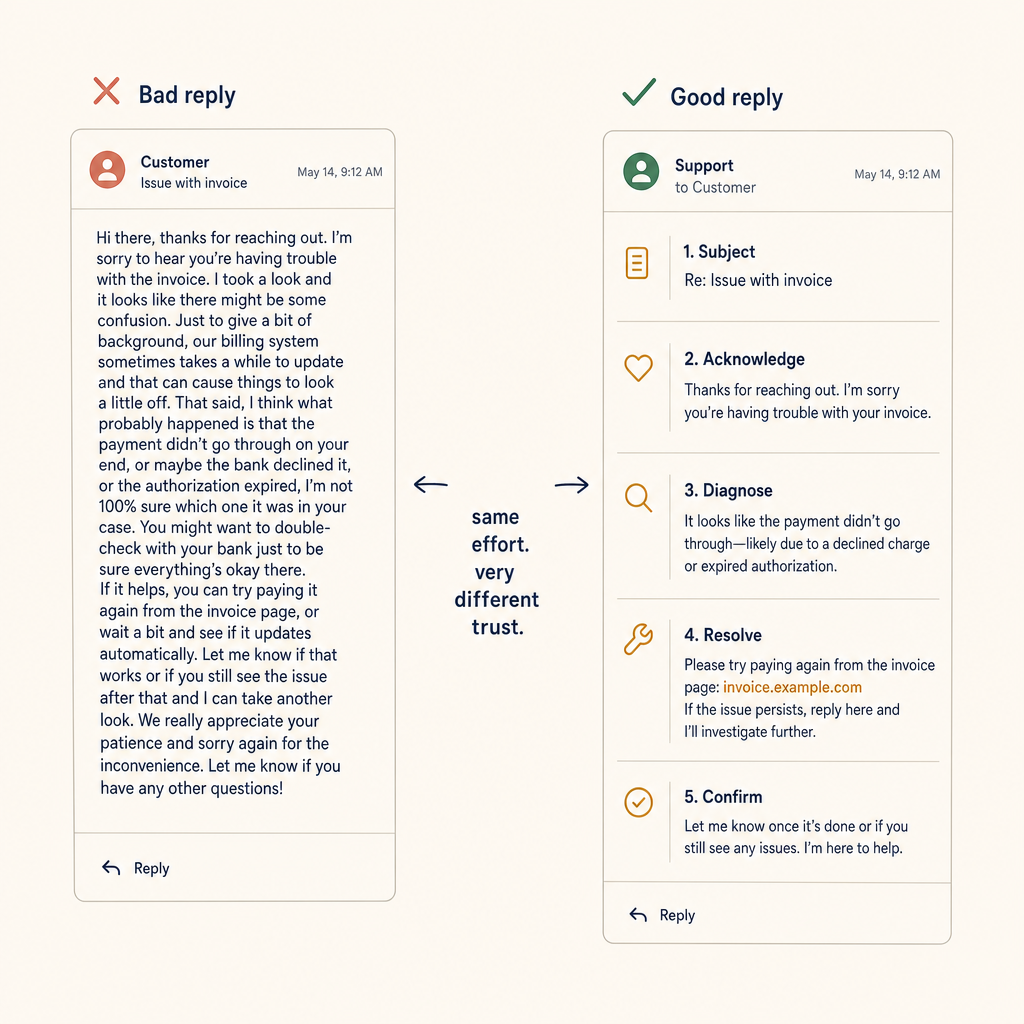
Bad replies dwell on policy. Good replies acknowledge first, diagnose second, and never ask the user to do work the support team can do faster.
Without this, the user wonders if their email got auto-routed to a generic queue. With it, they know a human is actually looking at their record.
2. Current state vs. expected state
This is where most replies fail. They say "we're looking into it" without acknowledging the gap.
By writing plan in our system: Free and plan you paid for: Pro, you concretely confirm the bug. The user no longer has to wonder if maybe they misread something. You agree with them that something's wrong.
3. Status: one of three values
investigating / identified / resolved. Use exactly these words.
- investigating = "I see the issue, I'm digging"
- identified = "I know what caused it, I'm fixing it now"
- resolved = "it's fixed, please verify"
These map cleanly to the user's mental model. Anything fluffier ("we're looking into it" / "we'll get back to you soon") is exactly the language users escalate against.
4. Specific action
Not "we'll investigate." Say what you're actually doing:
- "I'm reading the webhook logs from your transaction time."
- "I've manually re-fired the provisioning webhook — your plan should activate within 60 seconds."
- "I've escalated to engineering because this looks like a recurring webhook issue affecting multiple accounts."
Specificity is the credibility signal. It tells the user you understand their problem well enough to articulate the next step.
5. Next update time
The single most important line. Always include a concrete next-update time, even if the answer is "tomorrow morning."
"Next update from me: by 9 AM PT tomorrow, even if I don't have a fix yet."
The user's anxiety isn't "will this get fixed?" — it's "when will someone respond to me again?" If you tell them, they stop checking the inbox compulsively. They go back to work.
If your fix takes longer than expected, send a brief update before the deadline saying you need more time. Don't wait until you have the fix — just keep the loop closed.
6. (Optional) Workaround
If there's a way for the user to get value while you fix it, name it. Examples:
- "While I work on this, I've extended your trial to give you Pro access until tomorrow."
- "You can use the API key here as a manual workaround for now."
Even when there's no workaround, write "none — fixing it on our side now" so the user knows you considered it.
What the template does for you
This isn't just a user-facing pattern. It's a thinking tool for support agents:
- Field 1 forces you to look up the account before replying.
- Field 2 forces you to verify the actual state vs. the claim, instead of trusting the user's framing or yours.
- Field 4 forces you to commit to a concrete action before sending — no "we'll investigate" placeholders.
- Field 5 forces you to set your own deadline, which makes you actually do the follow-up.
Without this discipline, support replies drift toward platitudes that feel safe to write but provide zero progress.
The five-minute rule
When a billing ticket comes in, the first reply should arrive within 5 business hours during work hours. Even if all you have is "I see the issue, I'll dig into the webhook logs and update by 4 PM."
The 5-hour first reply with a concrete next-step beats a 1-hour reply with "we'll look into it." The user is fine waiting for a fix — they're not fine waiting in silence.
The shadow-side: when not to use this template
Three situations where the template is wrong:
- Refund requests. Skip the back-and-forth. If the user wants a refund and the policy allows it, refund and confirm. The template's "investigating" framing wastes the user's time.
- Trivial questions. "What plan am I on?" — just answer. Don't bureaucratise.
- Repeat customers with a 2-year history. Match their tone. If they always email casually, a formally structured reply feels stiff. Compress to fields 1, 4, 5.
The template is a default. It's the right default for any new user with a real billing problem. Override consciously.
Closing thought
Billing tickets escalate because of the response gap, not the underlying error. Every billing engineer eventually learns this. The template above is a forcing function for closing the gap — restated facts, named state, specific action, concrete deadline.
Bake the template into your support tooling as a one-click insert. Train new agents on the five fields. Audit replies once a quarter to confirm they all hit the structure. The escalation rate will drop measurably within the first month.
Related in the StoicSoft network
If you work in AI-assisted coding, shared terminal sessions, or agent-driven shell workflows like the ones above, 1devtool is the StoicSoft network's tool for safer AI-assisted terminal work — shared sessions with auditing, preflight policy, and tiered model routing built in.